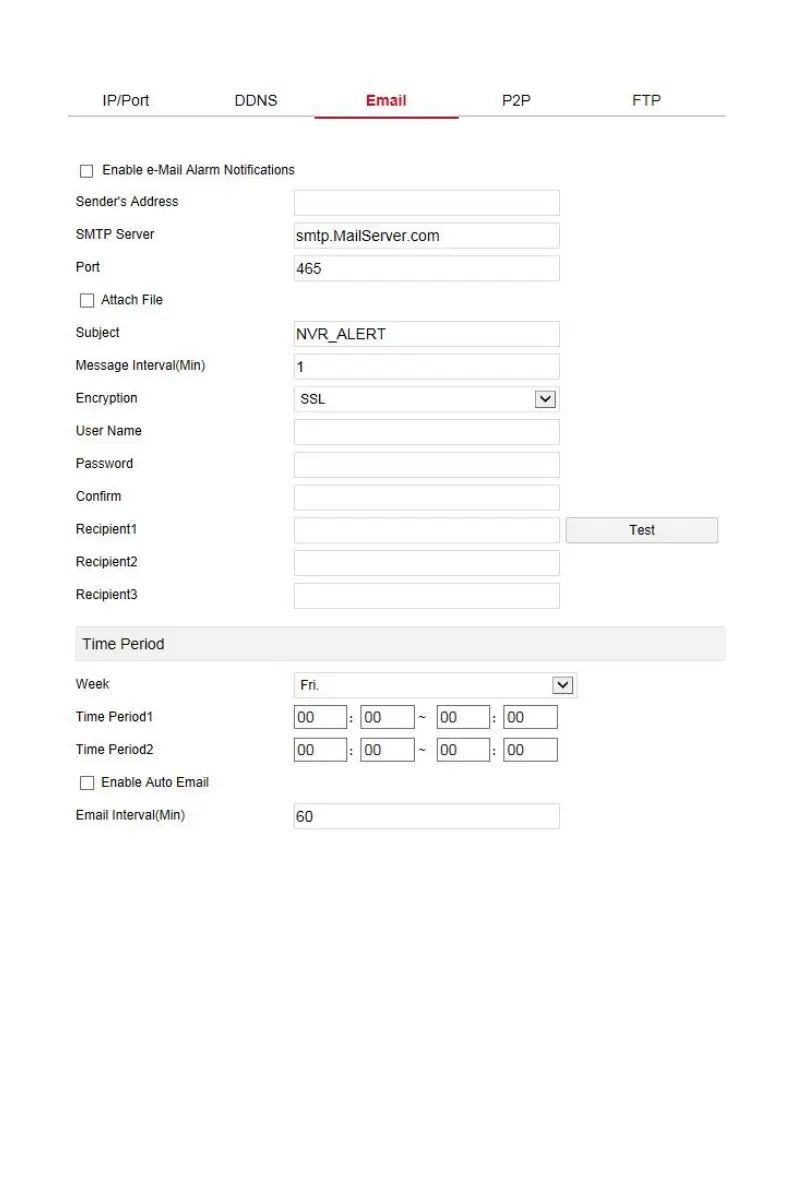
Figure 6-22
In the main interface, click "Configuration→System→Network→P2P" to
enter the P2P setting interface, as shown in Figure 6-23 below. Here you can
enable / disable the P2P function, check the serial number of the device, use
the mobile phone to scan the QR code to download the App, and the settings
of the P2P are consistent with the local settings of the NVR.



 To Next Page