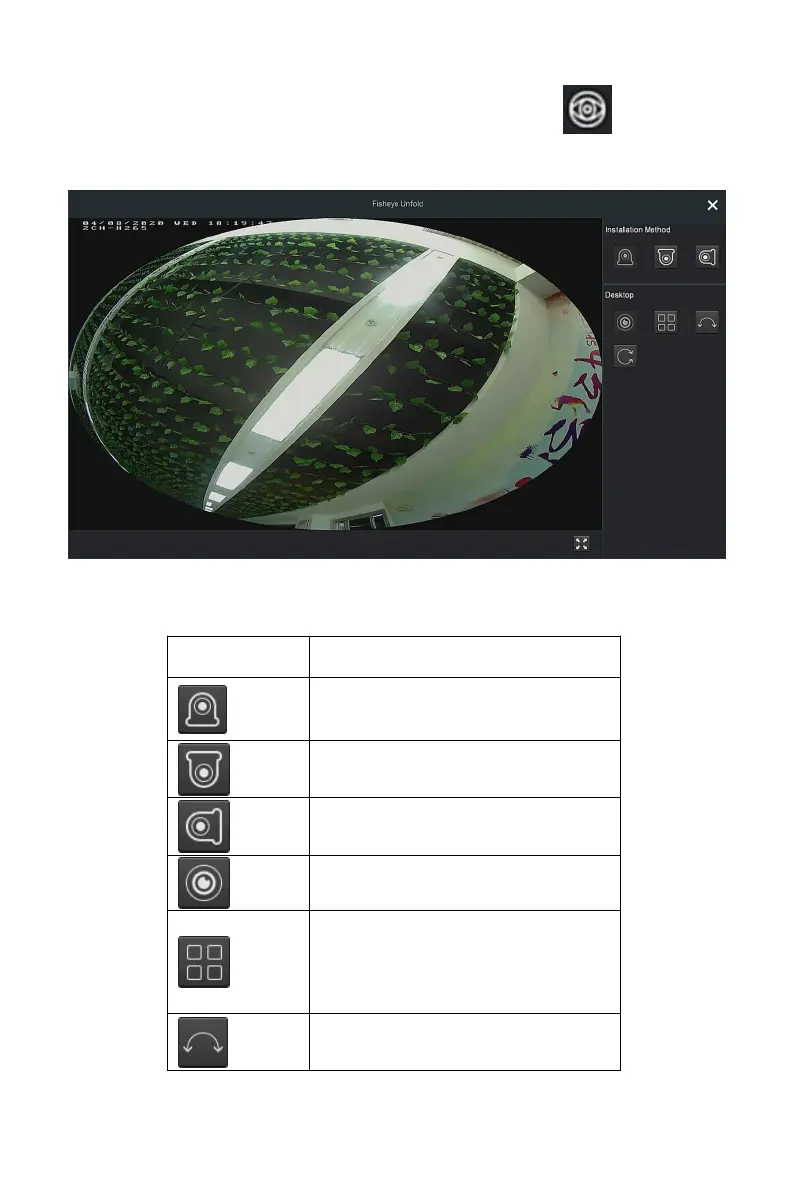
Select the channel connected to the fisheye IPC and click " " to enter
the fisheye expansion interface, as shown in Figure 4-13. Here you can set
the installation mode and deployment mode of the fisheye.
Figure 4-13
The fisheye installation modes are divided into top mounted mode, wall
mounted mode and ground mounted mode, as shown in Table 4-4 below.
Fisheye, panorama original
Four expansion, on the
four-screen interface, hold down
the left mouse button to drag the
screen up and down slightly.



 To Next Page