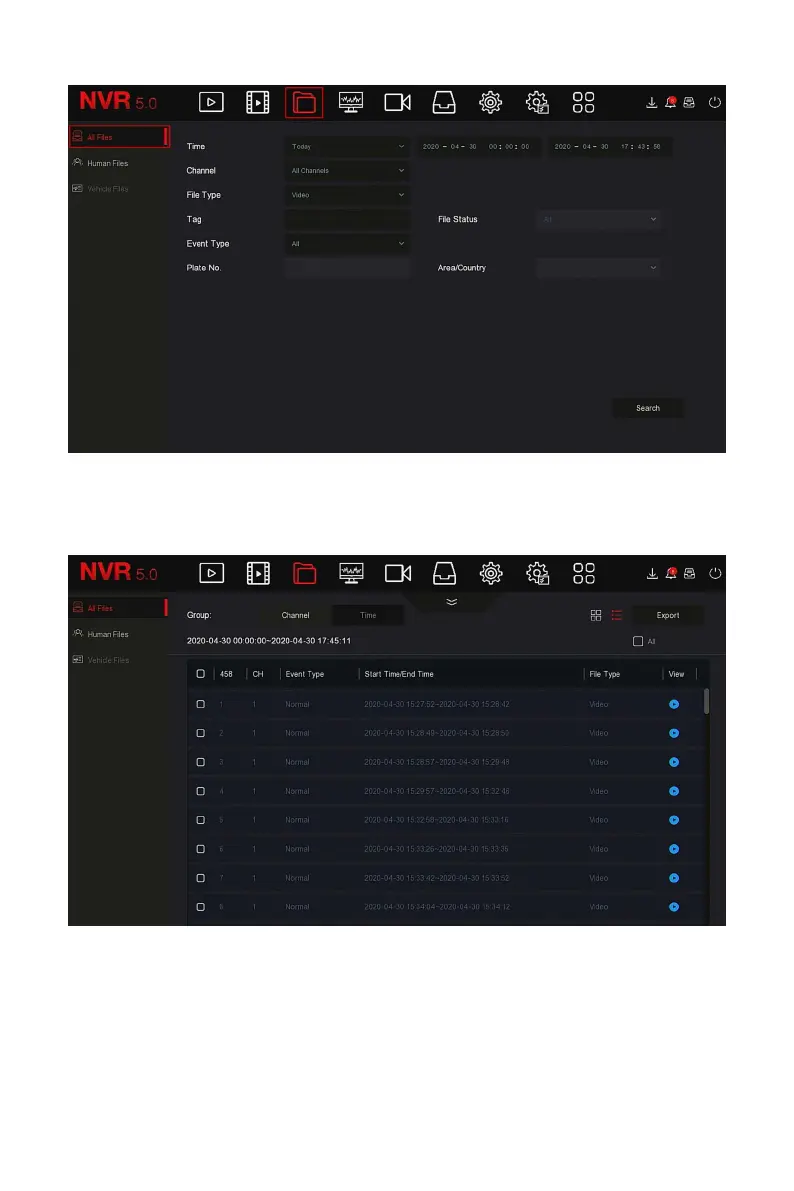
Figure 5-15
Steps 2: Set the search conditions (time, channel, file type, label and event
type), click "Search", the search results will show files that meet the
conditions, as shown in Figure 5-16 below.
Figure 5-16
Channel: The search results are displayed grouped by channel.
Time: The search results are displayed in groups by time.
All: The search results show video files and picture files that meet the
criteria.
Video: The search results only show video files that meet the criteria.



 To Next Page