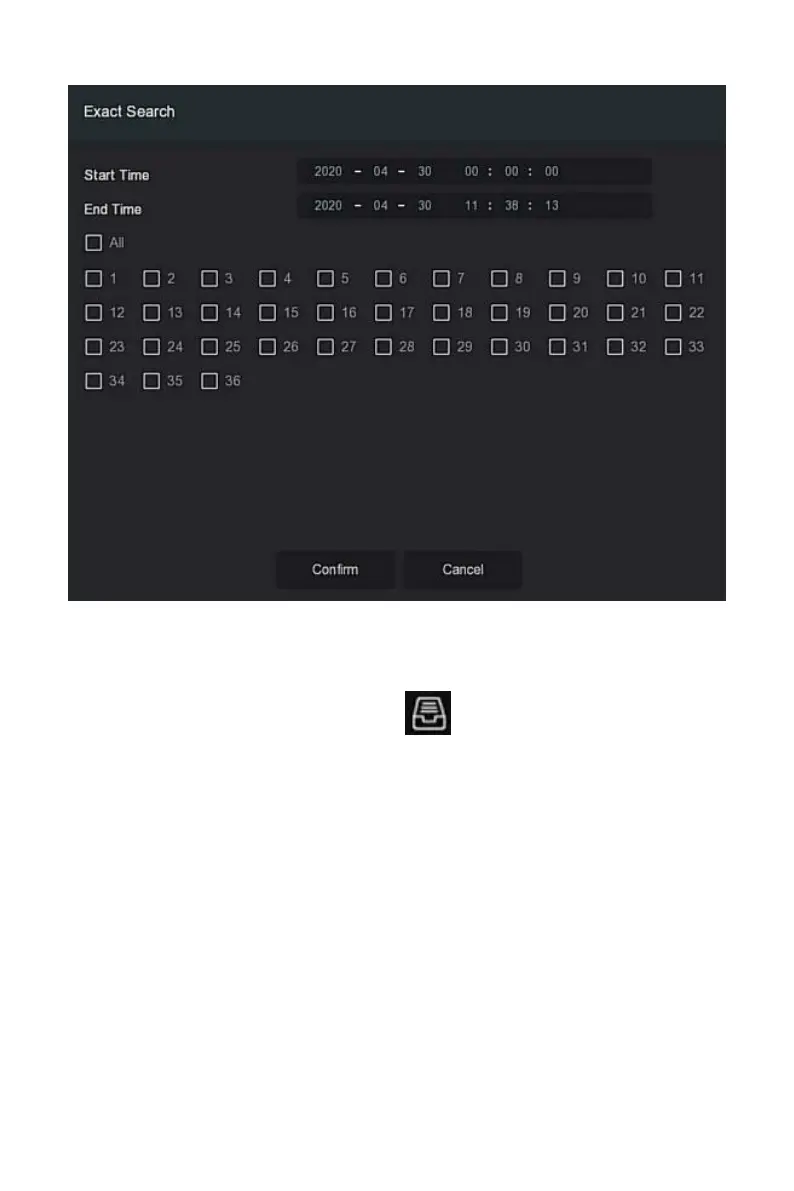
Figure 5-27
○
3
Steps 4: Select the picture in the search results, select"Backup Picture" and
"Backup Record" according to the actual needs, click "Backup".
Steps 5: The file starts to back up, click" "in the upper right corner to
view the backup progress, and wait for the backup progress to complete.
Search By Picture, it means uploading sample images, searching for images
that meet the requirements in the hard disk according to similarity,
supporting local uploading of samples and face database uploading samples,
the sample uploads 1 image at a time.
The specific operation steps for viewing and backing up the retrieval results
by pictures are as follows:
Step 1: Before backup, insert the USB device that stores the sample pictures
into the NVR USB interface.



 To Next Page