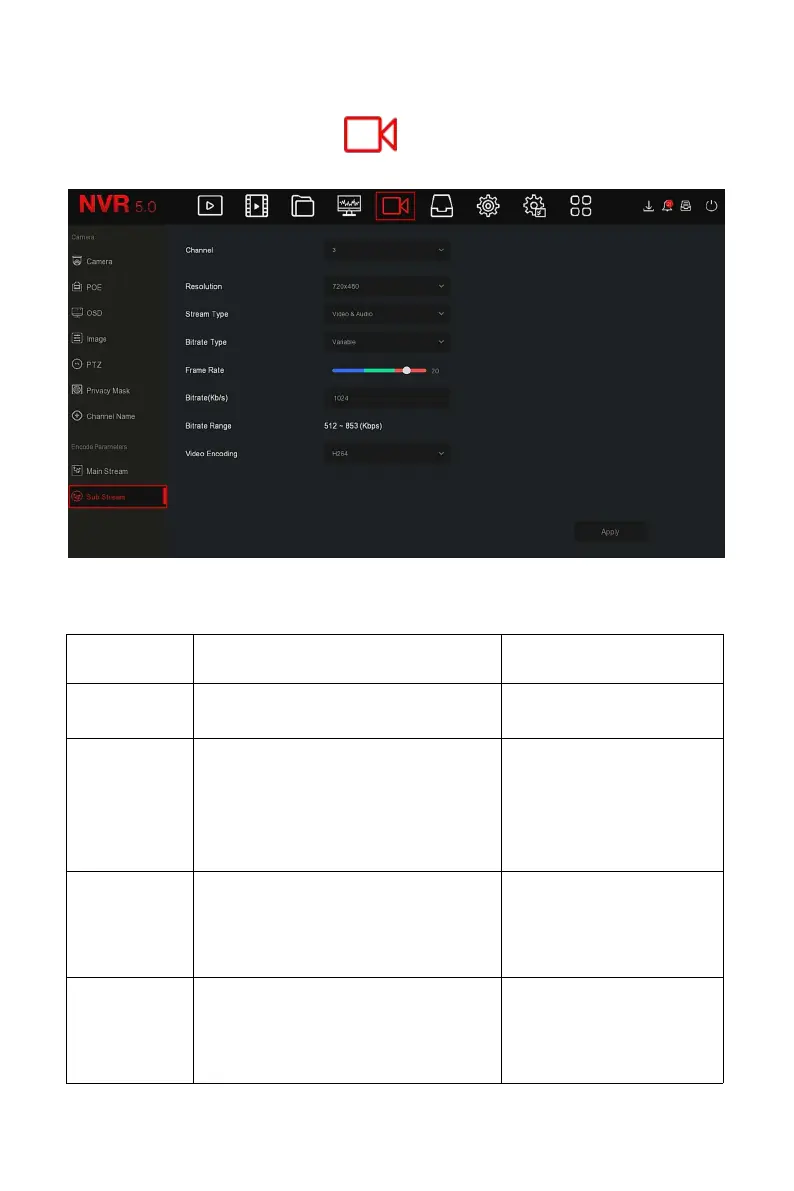
The specific operation steps are as follows:
Step 1: In the main menu, click " → Sub Stream " to enter sub stream
param setup interface, as shown in Figure 5-38 below.
Figure 5-38
Steps 2: Set recording parameters, please refer to Table 5-5 for specific
parameter descriptions.
Select the channel to set recording
parameters.
Select through the
drop-down box.
Resolution refers to the number of
pixels contained in a unit length.
Select through the
drop-down box.
NOTE:
The encoding resolution
is related to the IP device
The stream type is Video & Audio
(composite stream), and the
recording information includes
video and audio.
Select through the
drop-down box.
The code stream mode is divided
into variable code rate and
constant code rate.
Variable bit rate: The bit rate will
Select through the
drop-down box.
NOTE:
The bitrate type is



 To Next Page