DTS-60A OPERATORS MANUAL
16
1.6 Startup the Equipment
1. Ensure that setup has been completed as noted in
paragraph Setup the equipment (1.4).
2. Turn on Main Power.
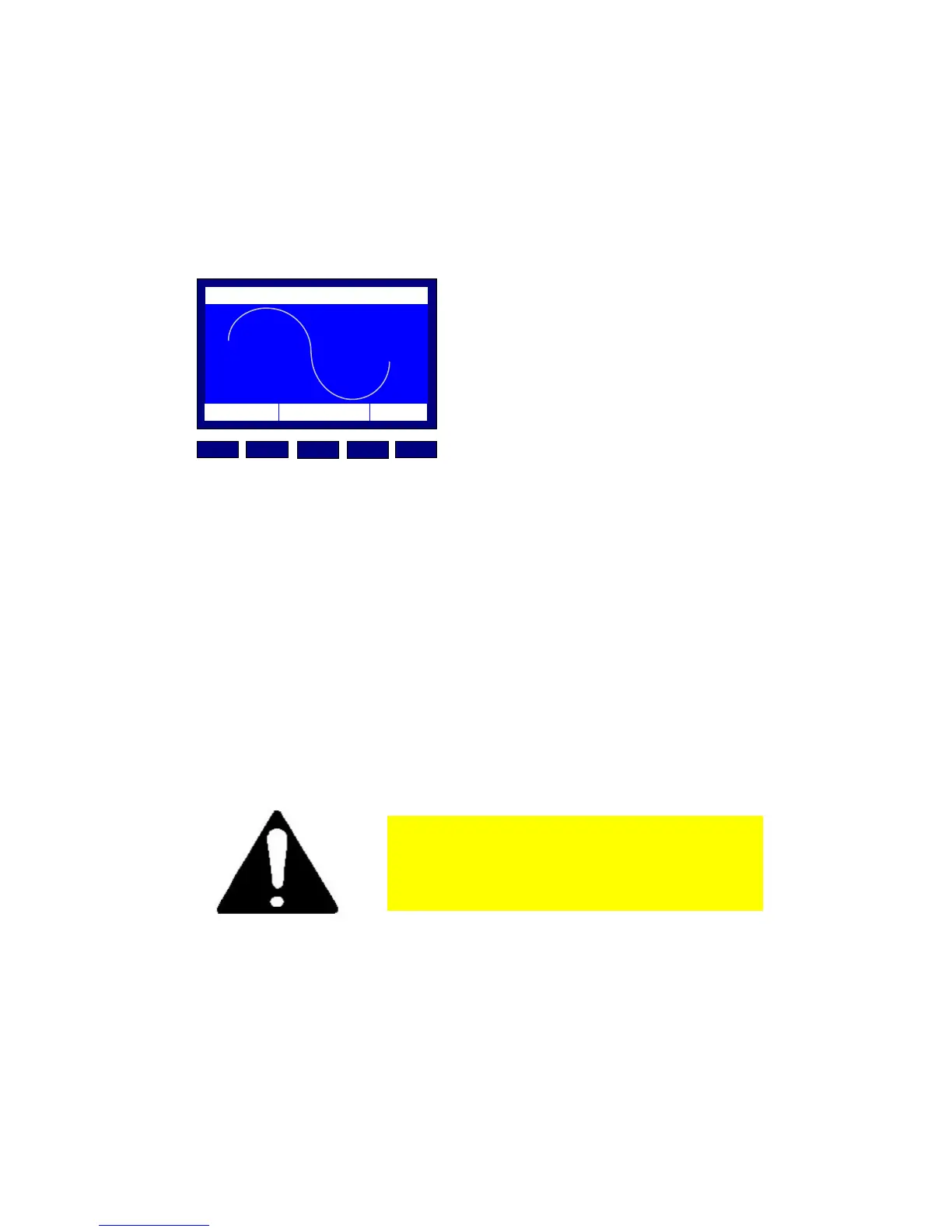
3. The equipment initiates a self-test, Figure 1.13. In case of
malfunction, an error message (see paragraph 1.3.4) is
displayed and the system will be halted.
...SELF TEST 1
12:10 01/08/05 65 °F
MENU BACK
DOWNUP
ENTER
INC
TM
HIGH VOLTAGE
Figure 1.13 – Startup and Self Test
4. After the self-tests are completed, the unit proceeds with
the last selected test (Simple Test, Standard or User-
Defined).
5. The unit will display the Electrode Warning message (see
paragraph 1.3.3) and it will wait for ‘ENTER’ to be pressed.
6. The user may open the lid, check the electrodes (type and
spacing) and finally fill the appropriate test vessel with
insulating oil.
7. After closing the lid, the user should press the ‘ENTER’ key
in order to initiate the test procedure.
Whenever you see an ERROR message
contact with the service or the
distributor.



 To Next Page