DTS-60A OPERATORS MANUAL
20
2.3 Test Submenu
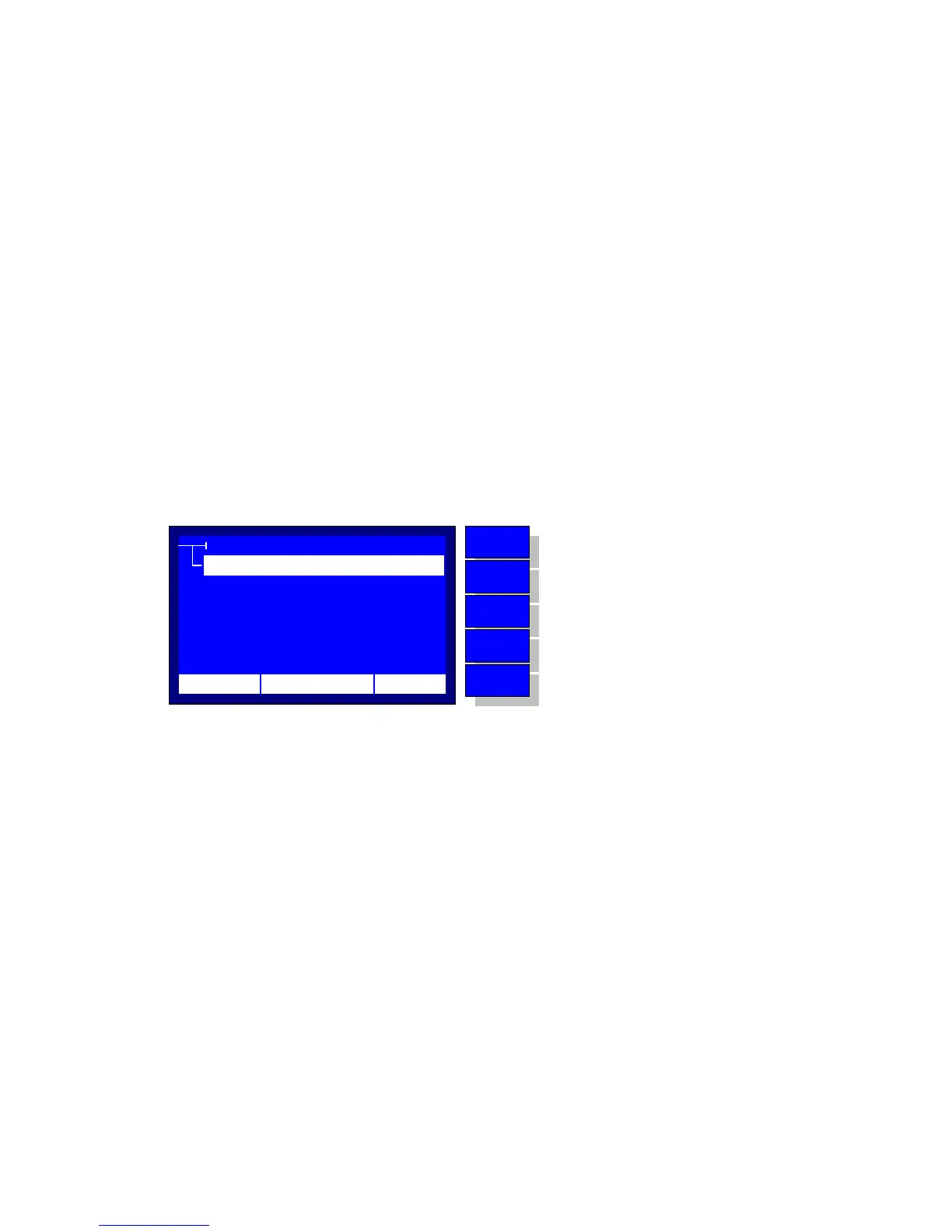
The Test Submenu is displayed upon the TEST Selection from the Main
Menu, Figure 2.3. The possible selections are the following:
Select
Application used for the selection of a test for execution (see
paragraph 4.2.1). The system displays a list of the available tests,
where the user can simply select one and further execute it.
Create
Application used for the creation of a new test (see paragraph
4.2.2). The system uses a simplified interactive method for entering
the details of a test scenario.
Edit
Application used for updating an existing test (see paragraph
4.2.2).
Delete
Application used for deleting an existing user defined test (see
paragraph 4.2.3). The system displays a list of the available user
defined test programs, where the user can simply select one and
further delete it.
TEST
EDIT
DELETE
SELECT
CREATE
12:10 01/08/05 65 °F
MENU
BACK
DOWN
UP
ENTER
No operation
Return to MAIN MENU
Move selector down
Move selector up
Enter to the selection
Figure 2.3 – Test Submenu



 To Next Page