DTS-60A OPERATORS MANUAL
80
8.1 Enable the Remote Operation
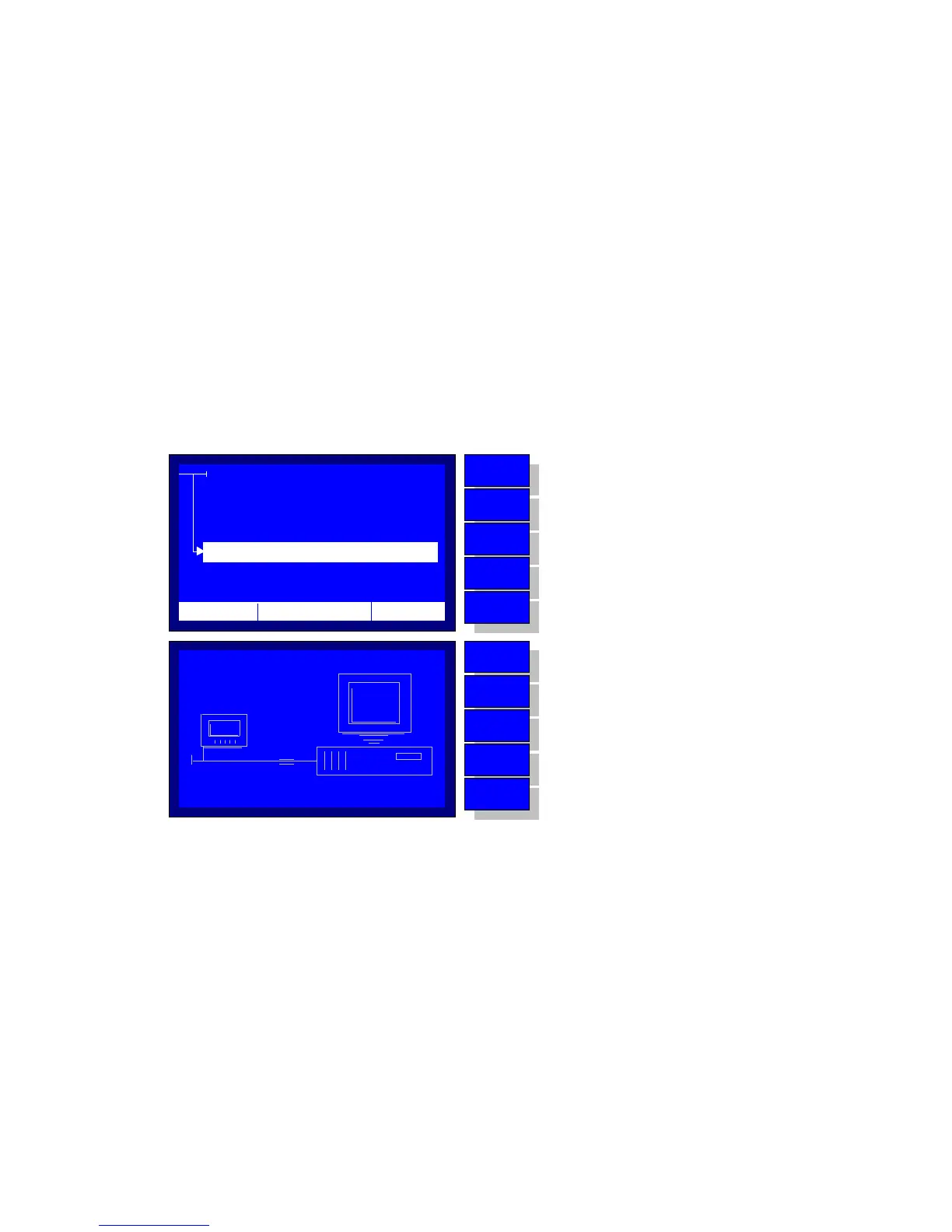
If the user selects the Remote Operation of the Main menu selections,
the system starts-up a communication with the Personal Computer. At the
same time the communication graphic indicator appears on the display,
Figure 8-1. The user may manage the system through a terminal software,
such as hyperterminal, TeraTerm, etc, using simple commands.
The Terminal Software Settings must be as follows:
Baud Rate : 115200
Data : 8 bit
Parity : none
Stop : 1 bit
Flow control : none
Transmit Delay : 20ms/char and 100 ms/line
Terminal size : 100x50
Terminal mode : vt100
Figure 8-1 – Remote Operation Start-up
When the system enters the Remote management mode the terminal
screen displays the initialise message and the prompt, which indicates that
the system is ready to accept commands, Figure 8-2.
PC
MENU
SETTINGS
REMOTE OPERATION
HISTORY
PROGRAMS
PC
010101010
010101010
12:10 01/08/05 65 °F
MENU
BACK
DOWN
UP
ENTER
No operation
Return to test execution application
Move selector down
Move selector up
Enter to the selection
MENU
BACK
DOWN
UP
ENTER
No operation
Return to MENU
No operation
No Operation
No operation



 To Next Page