DTS-60A OPERATORS MANUAL
19
2.2 Main Menu
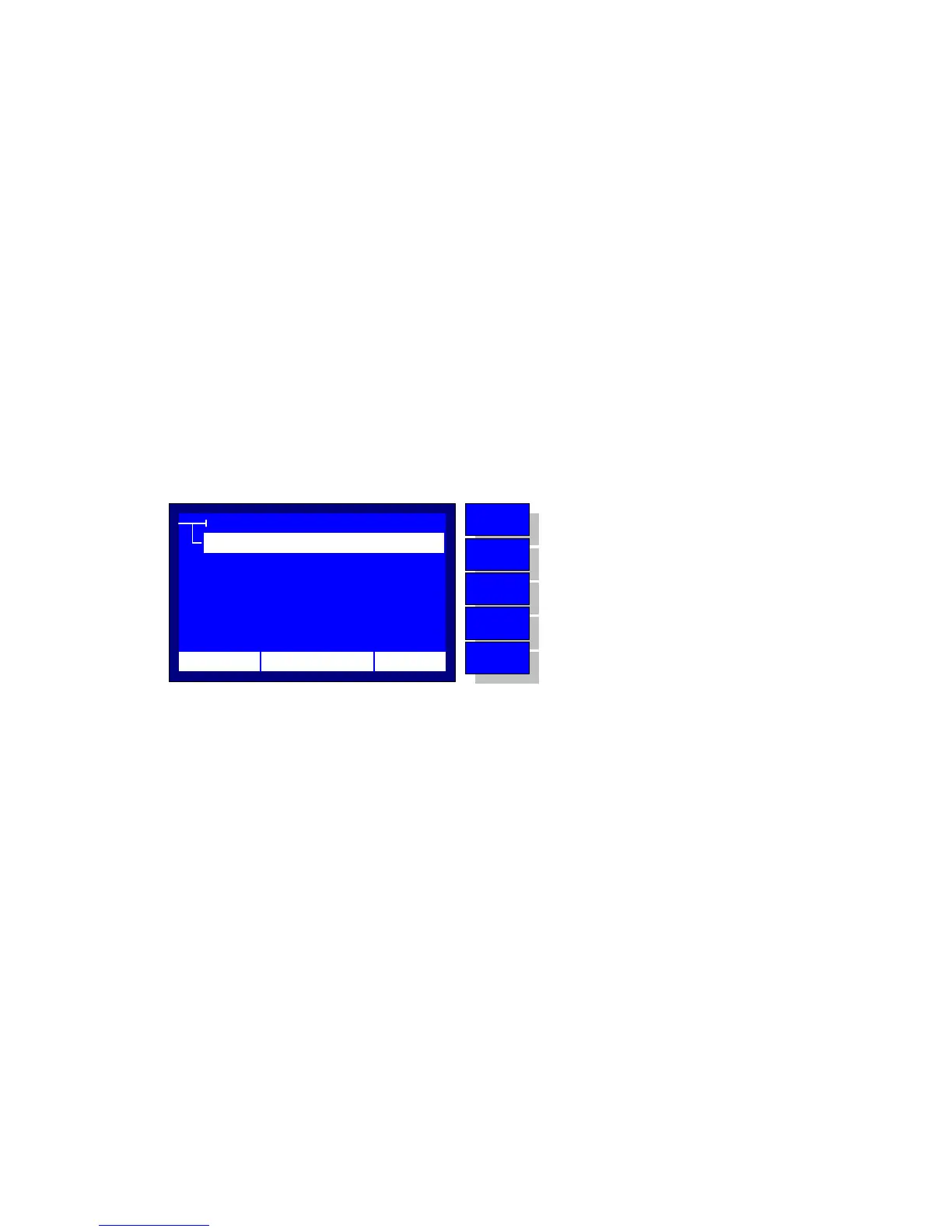
The Main Menu is displayed by pressing the ‘MENU’ key, Figure 2.2.
The possible selections are the following:
Test
Go to the Test Submenu. The latter includes all the test
functionalities, such as select a test for execution, edit a test, etc.
Settings
Go to the System Settings Submenu. The latter includes the basic
system settings, which are the Time/Date setup, Printout setup,
LCD Contrast setup and the Language setup.
Test History
Run the Results History Application (see section 6). This can be
used for browsing the results of previously executed test programs.
Remote Operation
Run the Remote Operation Application (see section 7). This can be
used as an alternative operation mode, via a common terminal
software running on a Personal Computer.
MENU
TEST HISTORY
REMOTE OPERATION
PROGRAMS
SYSTEM SETTINGS
12:10 01/08/05 65 °F
MENU
BACK
DOWN
UP
ENTER
No operation
Return to test execution application
Move selector down
Move selector up
Enter to the selection
Figure 2.2 – Main Menu



 To Next Page