DTS-60A OPERATORS MANUAL
27
2.3.5 Region Setup
The Region Set-up, Figure 2-9 is used to select the date format, as well
as the temperature measurement unit (·F/·C)
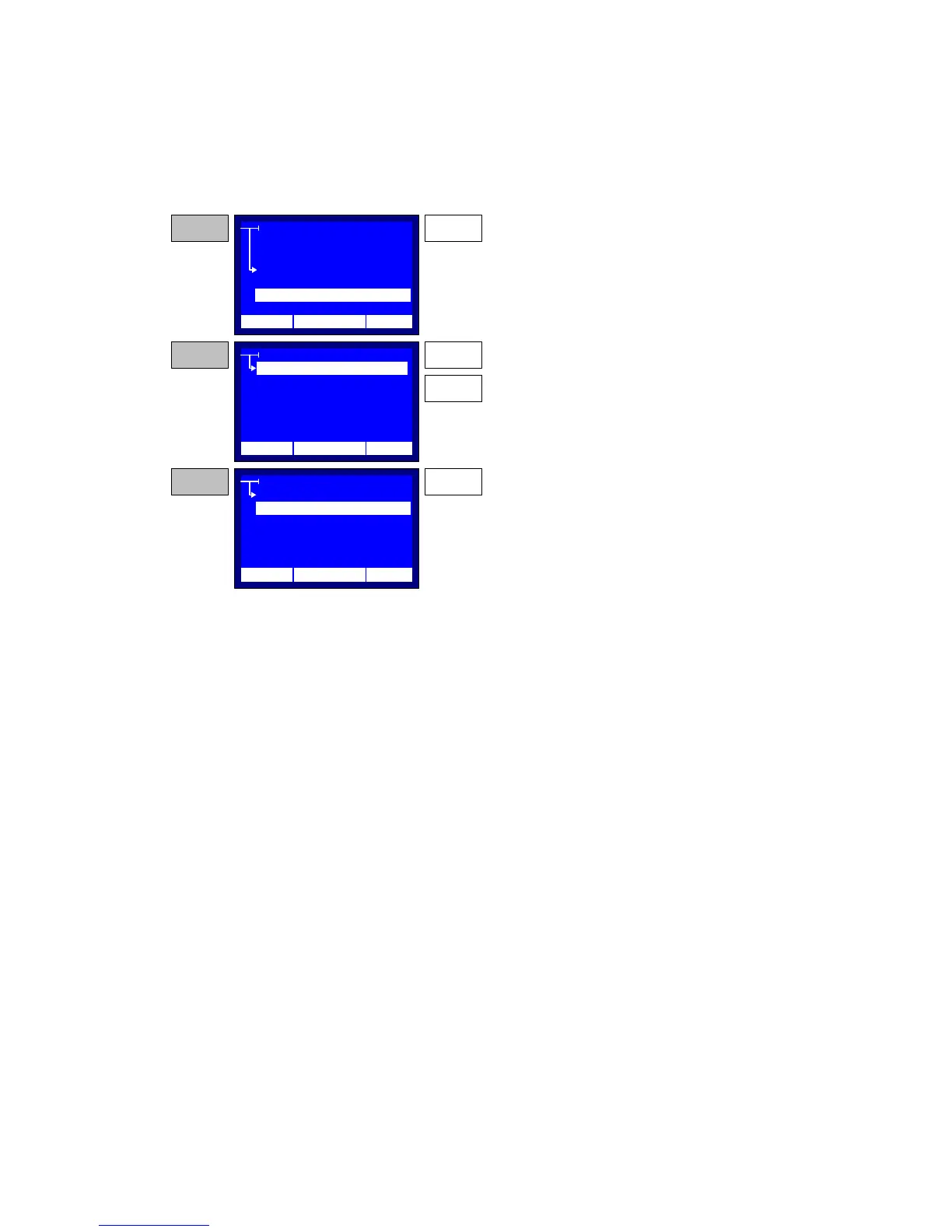
Figure 2-9 – Region Set-up
REGION
EUROPEAN
AMERICAN
STEP 1
SETTINGS
TIME/DATE
LCD CONTAST
OPERATOR
LANGUAGE
ENTER
Press the ENTER key while the selector points to
the REGION item. The system will display the
Region Setup application.
STEP 2 UP
Use the UP and DOWN keys and move the
selection within items.
DOWN
REGION
EUROPEAN
STEP 3 ENTER
Press the ENTER key to enable the selected
region. The system will revert the date format, and
the temperature units according the selected
region.
AMERICAN
12:10 01/08/05 65 °F
12:10 01/08/05 65 °F
12:10 01/08/05 65 °F
REGION



 To Next Page