DTS-60A OPERATORS MANUAL
55
5.2.2 Create/Edit a Test
The Create or Edit a Test Program could be used for entering or
modifying parameters of User Defined Test Programs. After choosing
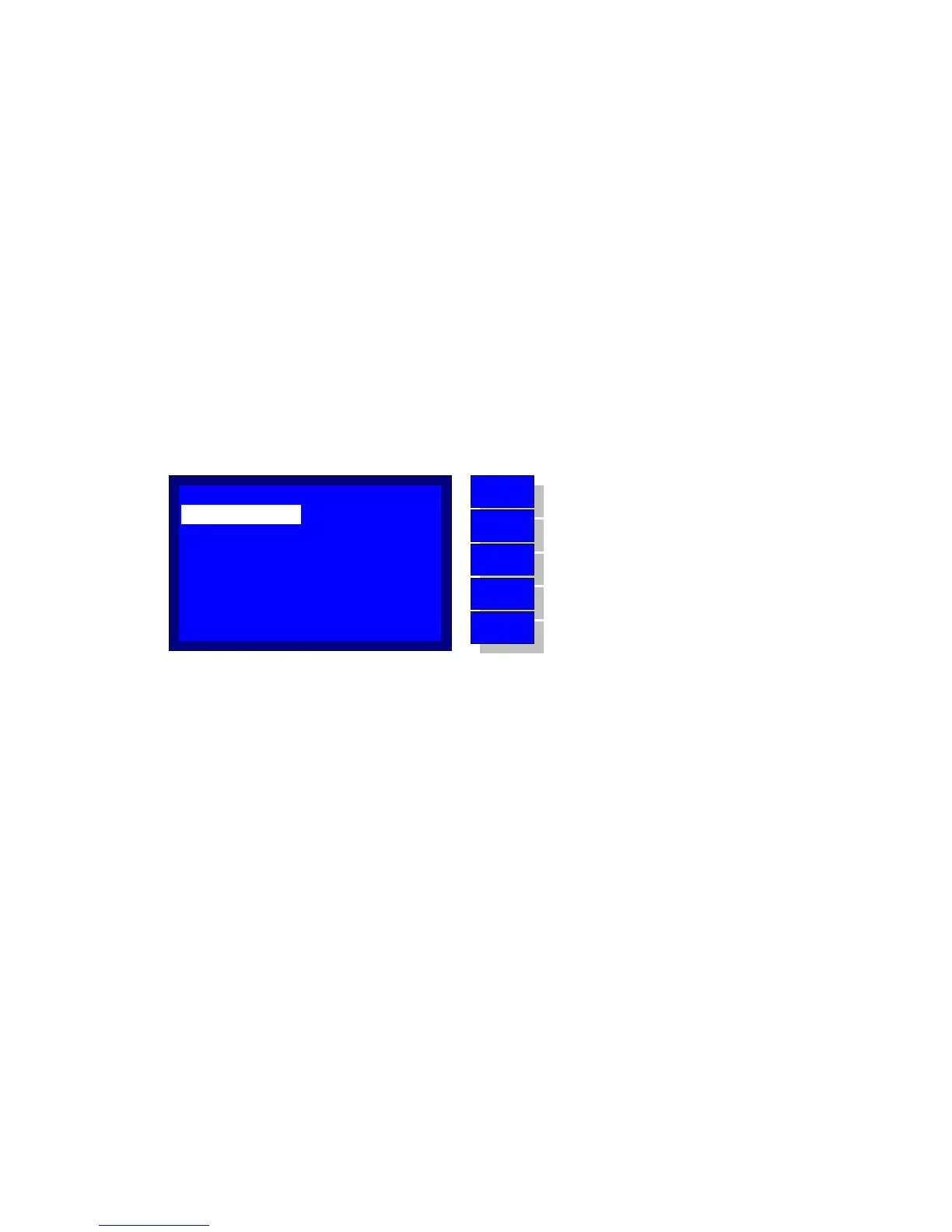
the Create Program selection, the system displays the screen depicted
in Figure 4-4. The user controls are identical to those for making a
selection. Using the ‘UP’ and ‘DOWN’ keys the selector (no arrow here)
moves through the possible options. By pressing ‘ENTER’ key the user
may modify the editable space at the right side of each option (the
string editing is described in paragraph 1.3.2).
The possible options are the following:
1. NAME Test name (string)
2. ELECTRODE Desired Electrode Spacing (float)
3. START WT Startup Wait Timer (timer)
4. START ST Startup Stirrer Timer (timer)
5. STAGE Enter to Selected Stage Options (integer)
Figure 4-4 –
Create Program Application
MENU
BACK
DOWN
UP
ENTER
No operation
Return to the TEST menu
Move selector down
Move selector up
Enter to edit the selection
STAGE:
NAME:
ELECTRODE:
START ST:
START WT:
CUSTOM
2.5 mm
00:00:00
00:00:00
01
CREATE/EDIT TEST



 To Next Page