DTS-60A OPERATORS MANUAL
18
2.1 Menu Operation Overview
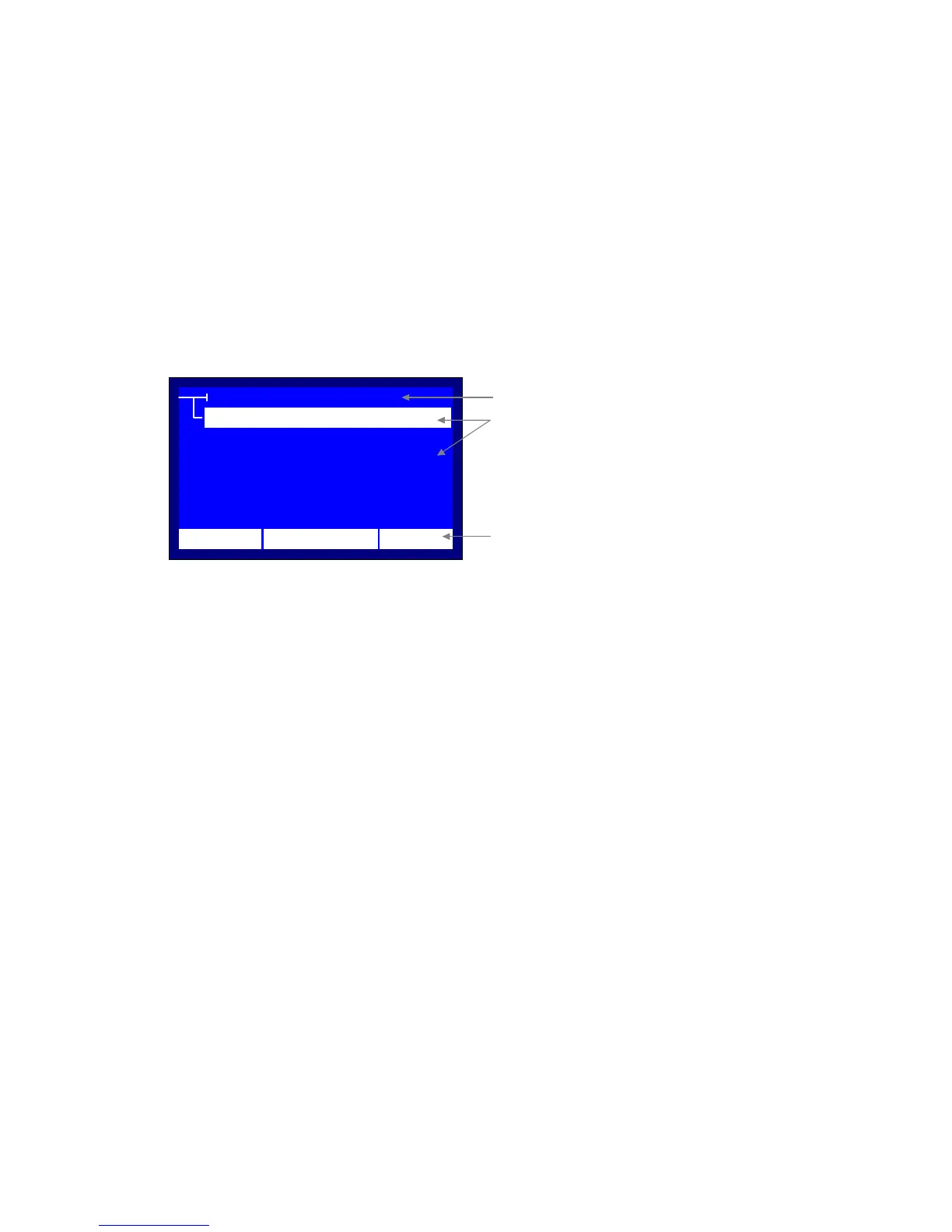
In every menu/submenu screen, the first line indicates the title and the
following lines indicate the possible selections, Figure 2-1. The guide uses a
selector for pointing to the current selection and the selection title becomes
inverted. The keyboard usage is very simple with the ‘’, ‘’, ‘BACK’ and
‘ENTER’ keys:
BACK Exit from Menu or Current Submenu
(UP) Go to the previous selection
(DOWN) Go to the next selection
ENTER Enter to the selection
Finally, the last line indicates the current time and date, as well as the
temperature.
MENU TITLE
MENU ITEM #3
MENU ITEM #4
MENU ITEM #1
MENU ITEM #2
12:10 01/08/05 65 °F
MENU ITEM #5
FirstLine Displays the MENU TITLE
Following Lines Display the MENU ITEMS
Last Line Displays the TIME/DATE/TEMP.
Figure 2.1 – Menu Setup



 To Next Page