DTS-60A OPERATORS MANUAL
21
2.4 Settings Submenu
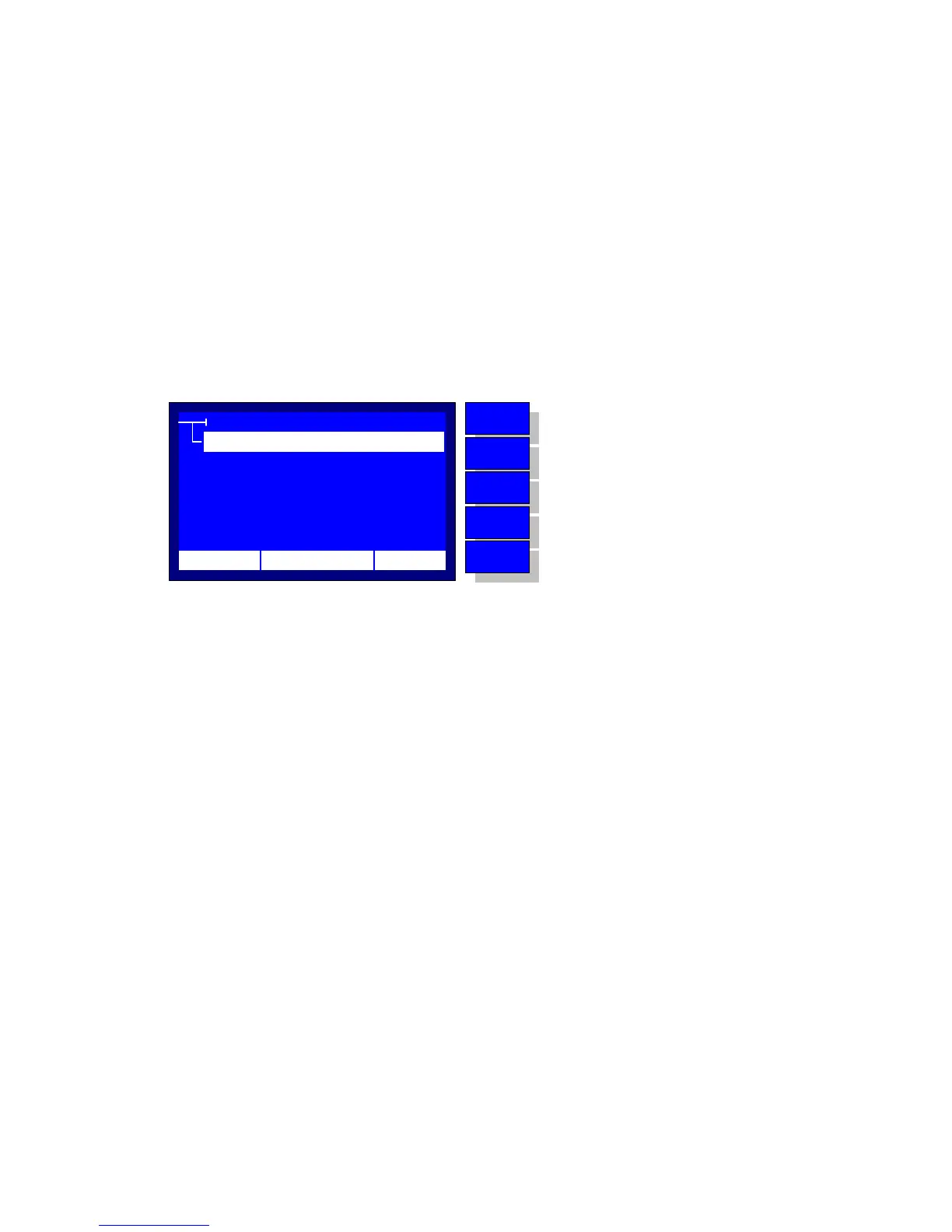
The Settings Submenu is displayed upon the Settings Selection from the
Main Menu, Figure 2.4. The possible selections are the following:
Time/Date
Application for System’s Time and Date Setup
Operator
Application for setup the equipment's Operator Information
Contrast
Application for setting the Display Contrast
Language
Application for selecting a Language
Region
Application for selecting the region (European/American)
SETTINGS
LCD CONTRAST
LANGUAGE
TIME/DATE
OPERATOR
12:10 01/08/05 65 °F
MENU
BACK
DOWN
UP
ENTER
No operation
Return to MAIN MENU
Move selector down
Move selector up
Enter to the selection
REGION
Figure 2.4 - Settings Submenu
A detailed description of the basic system settings follows.



 To Next Page