DTS-60A OPERATORS MANUAL
75
7.2 Changing the Paper Roll
To change the Paper Roll proceed as follows:
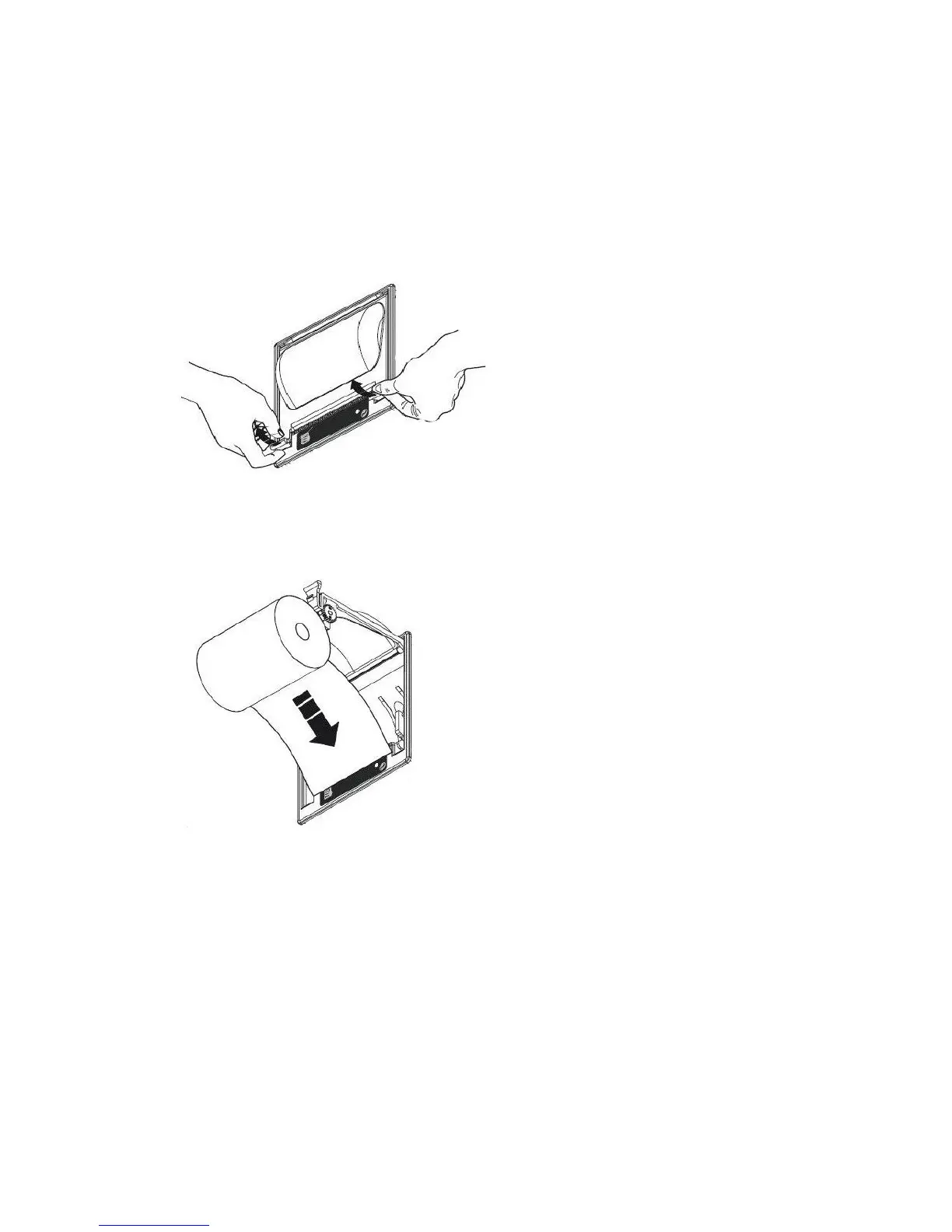
1. Open the printer Cover, Fig. 7-3
2. Position the paper roll making sure it unrolls in the properdirection as
shown in Fig. 7-4
3. Tear off the paper as shown in Fig. 7-5 and re-close the cover
4. The printer is ready, Fig. 7-6
Figure 7-3 – Changing the paper roll - Step 1
Figure 7-4 – Changing the paper roll - Step 2



 To Next Page