DTS-60A OPERATORS MANUAL
74
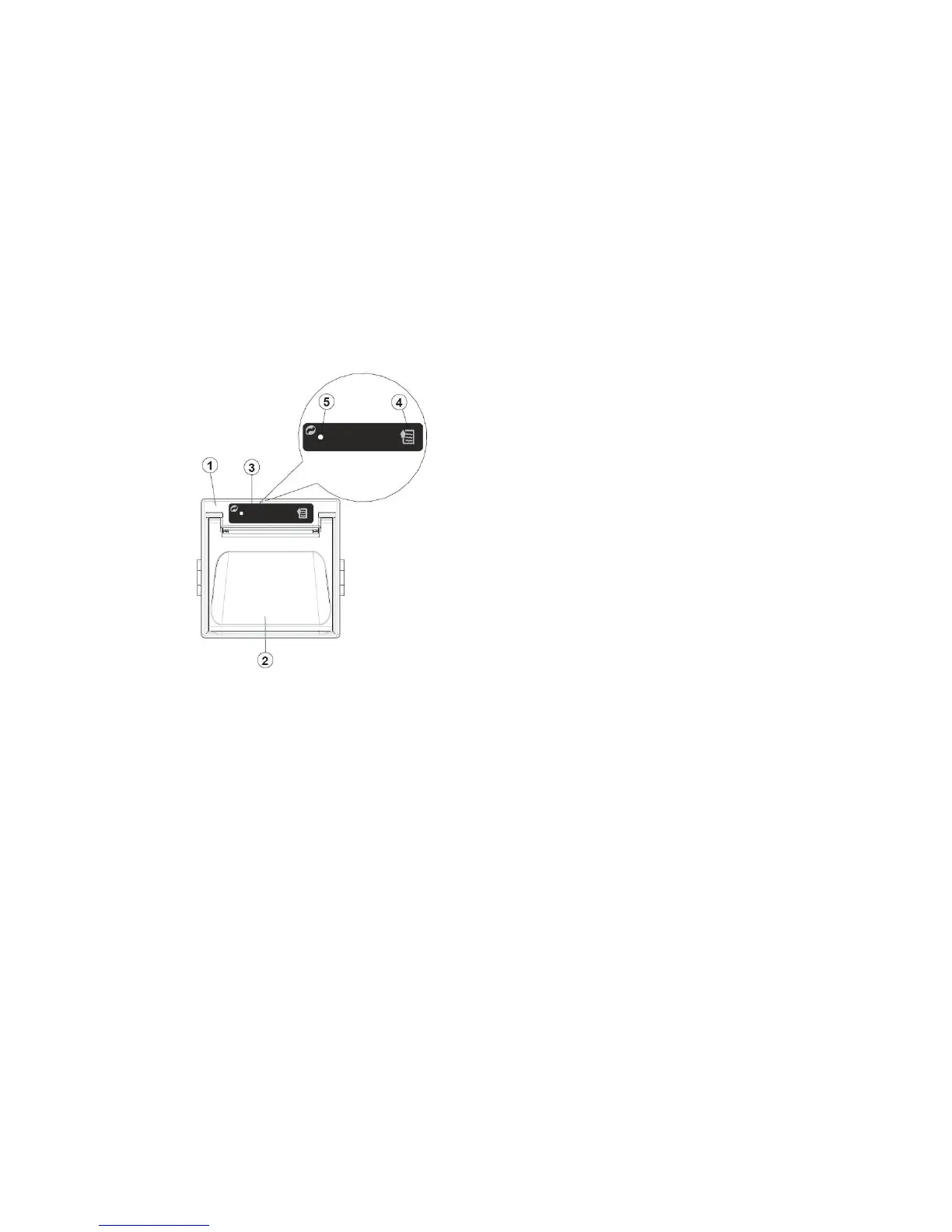
The control of the printer uses one key (feed key) and a status LED.
1. Feed Key – When the feed key is pressed the printer advances the
paper.
2. Status Led – The green status led displays the printer operating
status and this check is performed on-line. The operating status is as
follows:
Always off – Printer Off
Always on – Printer On (no fault)
Slow Blinking – Paper Out Message
Fast Blinking – Recoverable Error (head overtemperature, supply
voltage error)
Figure 7-2 – Printer Control Panel



 To Next Page