DTS-60A OPERATORS MANUAL
41
4.2 Select a Standard Test
The Select a Test displays the list of all the existed tests. These are the
Simple Test, the Standards and the User Defined Tests, Figure 4-3. An
arrow at the right side of a test name indicates that this is the last
selected test. The latter is the test that will be started after turning-on
the equipment.
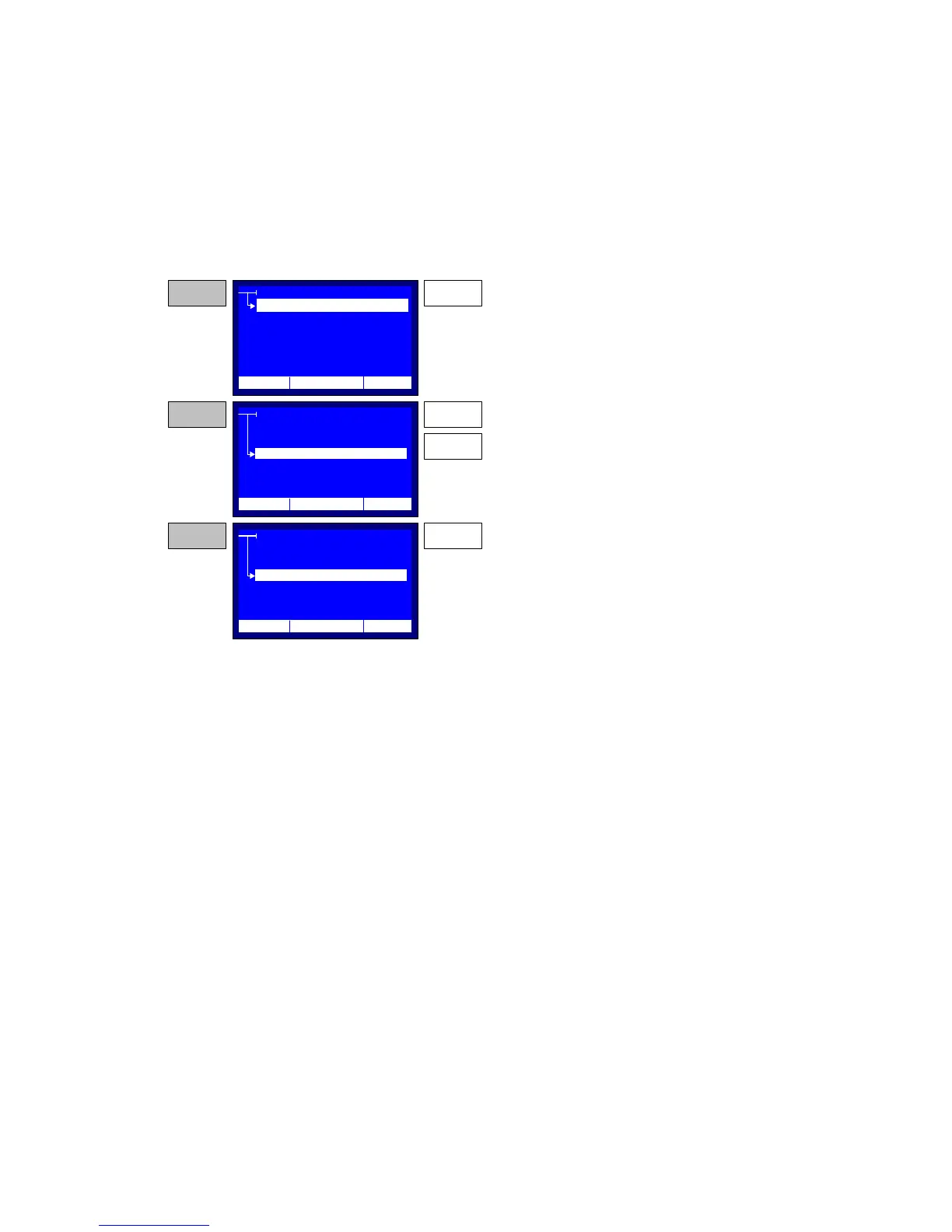
Figure 4-3 – Select Program Menu
SELECT TEST
IEC 156/95 <--
VDE 0370
IEC 156/63
ASTM D1816/84A
ASTM D877/87
TEST
CREATE
SELECT
EDIT
DELETE
STEP 1
From the TEST menu point to SELECT.
Then press the ENTER key.
STEP 2
The system displays all the available tests. The
default test is indicated with an arrow at the left
side.
Use the UP and DOWN keys to select a test for
execution.
UP
DOWN
SELECT TEST
IEC 156/95 <--
VDE 0370
IEC 156/63
ASTM D1816/84A
STEP 3
Press the ENTER key to execute the selected test.
From now on this test will be the default test.
ENTER
12:10 01/08/05 65 °F
12:10 01/08/05 65 °F
12:10 01/08/05 65 °F
ASTM D877/87
ENTER



 To Next Page