DTS-60A OPERATORS MANUAL
53
5.2 Test Menu
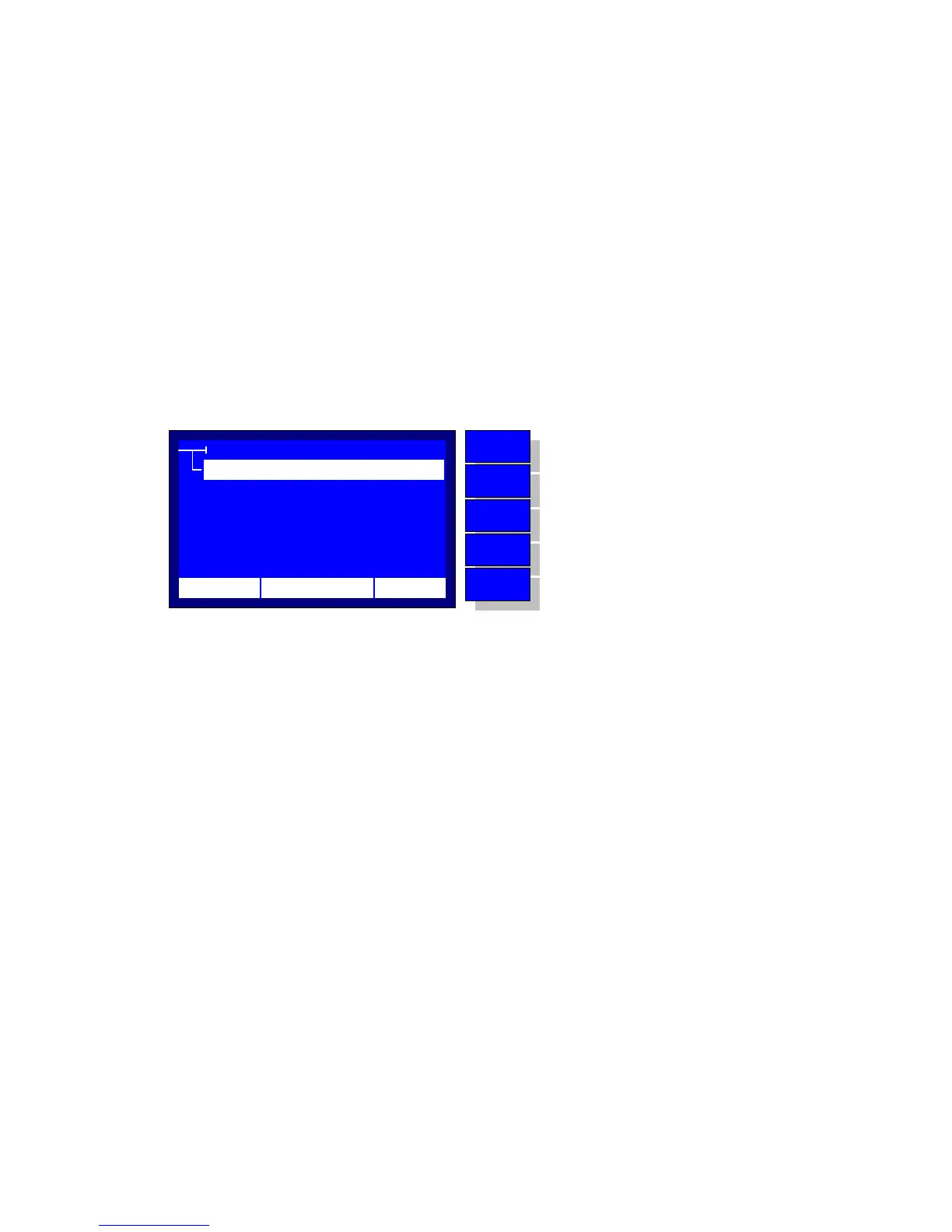
From the ‘MAIN MENU’ the user can select the ‘TEST’ item. The
system displays the test menu, Figure 5-2. The possible options are the
following:
1. SELECT a Test to be executed
2. CREATE a new user Test
3. EDIT an existing user Test
4. DELETE an existing Test
Using the ‘UP’ and ‘DOWN’ keys the user places the menu selector to
the desired item and by pressing the ‘ENTER’ key the system proceeds
to the selection.
Figure 4-2 – Test Menu
TEST
EDIT
DELETE
SELECT
CREATE
12:10 01/08/05 65 °F
MENU
BACK
DOWN
UP
ENTER
No operation
Return to MAIN MENU
Move selector down
Move selector up
Enter to the selection



 To Next Page