DTS-60A OPERATORS MANUAL
81
The system supports the following keyboard functionalities:
- keys : Display previous entered commands
- ? key : Display help of commands and arguments
- ‘TAB’ key : Command Completion
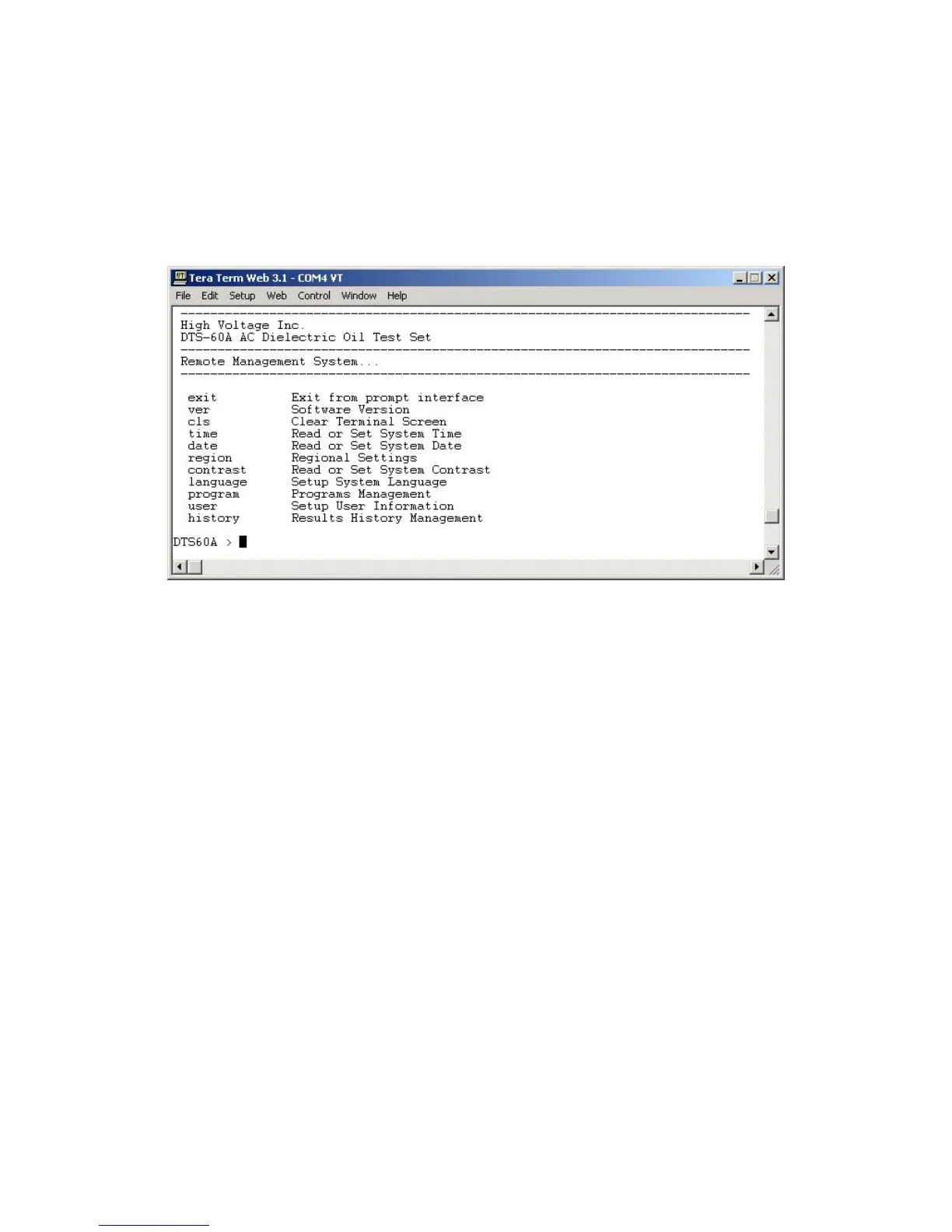
After entering the remote management the user may press the ‘?’ key,
in order to ask for commands help, Figure 8-2.
Figure 8-2 – Terminal Screen after entering to the Remote Management
The possible commands are the following:
ver Display Software Version
cls Clear screen
time Set-up Time
date Set-up Date
region Regional Setup
operator Set-up Operator's Information
contrast Set-up LCD Contrast
test Test Management
history History Results Management
The user may start writing a command (first and second characters) and
then by pressing the TAB key the system will complete the desired



 To Next Page