DTS-60A OPERATORS MANUAL
25
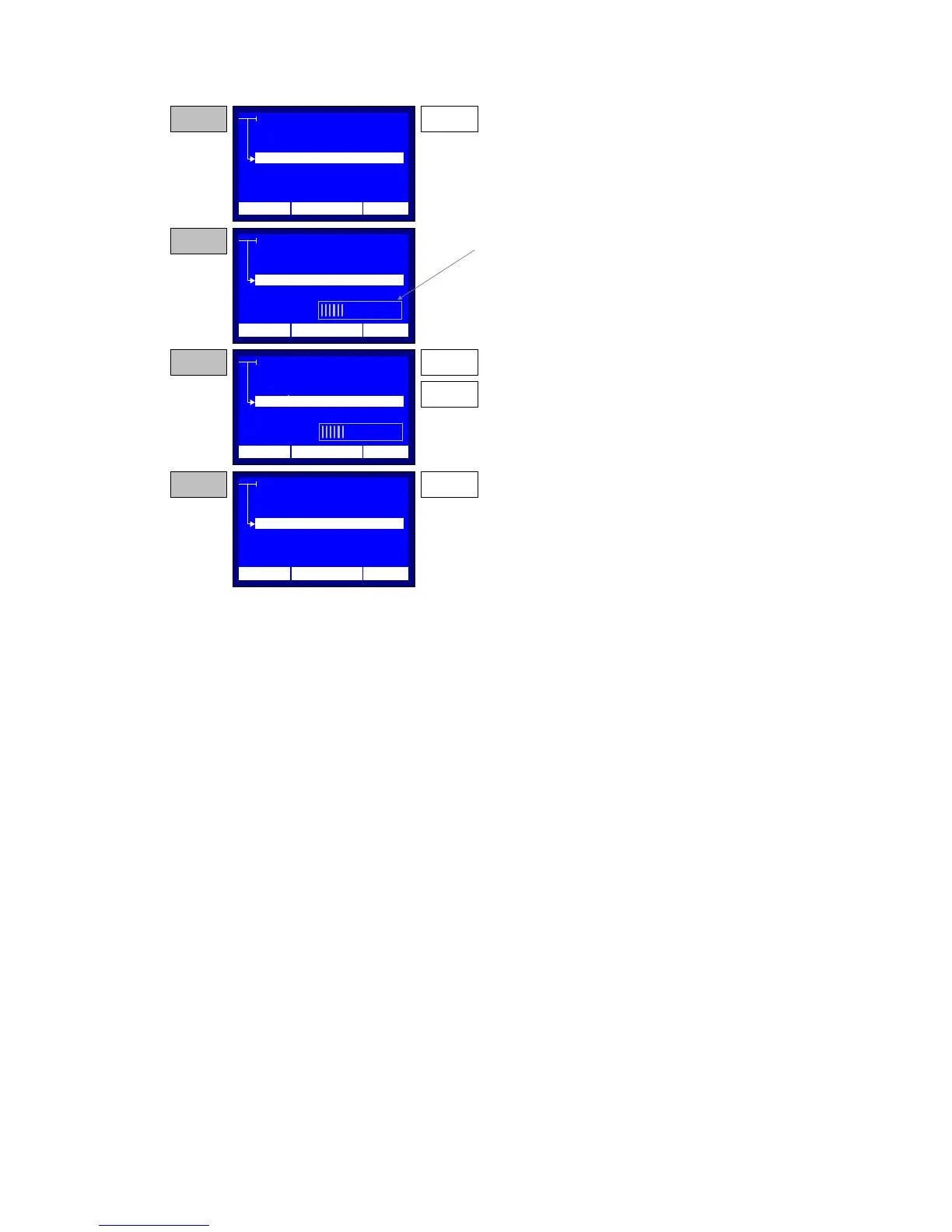
Figure 2-7 – LCD Contrast Set-up
SETTINGS
TIME/DATE
LCD CONTAST
OPERATOR
LANGUAGE
SETTINGS
TIME/DATE
LCD CONTAST
PRINTOUT
LANGUAGE
STEP 1 ENTER
Press the ENTER key while the selector points to
the LCD CONTRAST item
STEP 2
The system display a series of vertical lines at the
bottom of the menu, indicating the current LCD
Contrast stup.
SETTINGS
TIME/DATE
LCD CONTAST
OPERATOR
LANGUAGE
STEP 3
Use the UP and DOWN keys in order to increase
or decrease the contrast. The system changes the
current contrast according the selected setup.
UP
DOWM
SETTINGS
TIME/DATE
LCD CONTAST
OPERATOR
LANGUAGE
STEP 4
Press the ENTER key in order to save the new
LCD Contrast setup. The system retuns the
operation to the SystemSettings menu.
ENTER
12:10 01/08/05 65 °F
12:10 01/08/05 65 °F
12:10 01/08/05 65 °F
12:10 01/08/05 65 °F
TIME/DATE
REGION
REGION
REGION
REGION



 To Next Page