ABOUT THE SYSTEM FRONT CONTROL PANEL AND LEDS
1-11
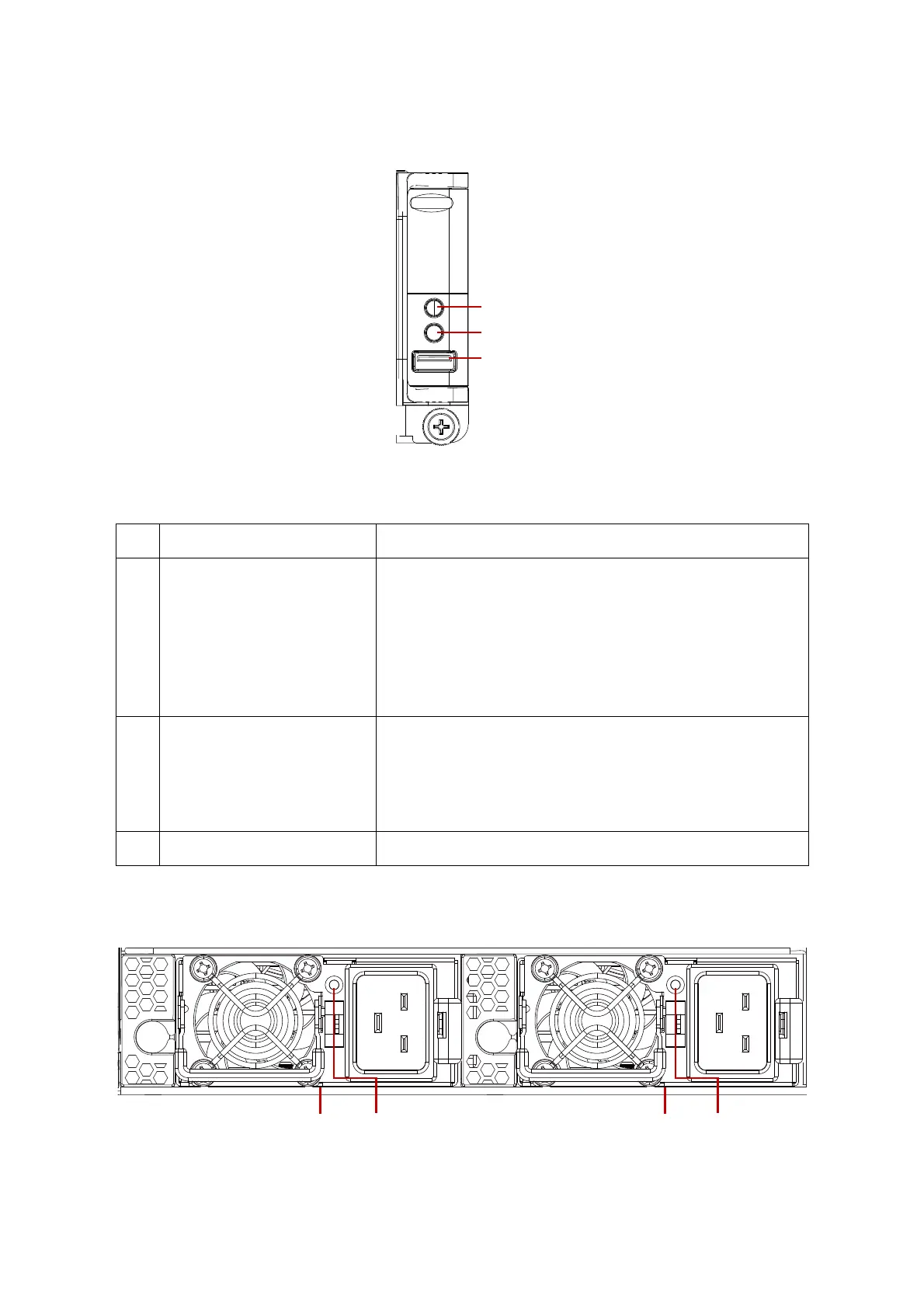
Front Control Panel and LEDs
Figure 1-4. Front Control Panel
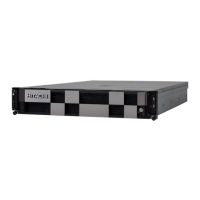
Power Sub-System
Figure 1-5. PSU to Mainboard Sled Description
Table 6: Front Control Panel
NO FEATURE DESCRIPTION
1 Power button with LED
Button:
Press more than four seconds to power off the system
LED:
Off: DC off (System power off )
Blue On: DC on (System power on)
Amber Blinking: DC off and fault
Amber and Blue Blinking: DC on and fault
2 ID button with LED
Button:
Press to toggle the identification
LED:
Off: No indicator
Blue Blinking: ID indicator
3 USB port Connect to USB device




 To Next Page