Insight FD Mini C-Arm Imaging System User Guide
Controls and Indicators
13 MAN-09971 Revision 001
Controls and Indicators
X-ray Head Control Panel
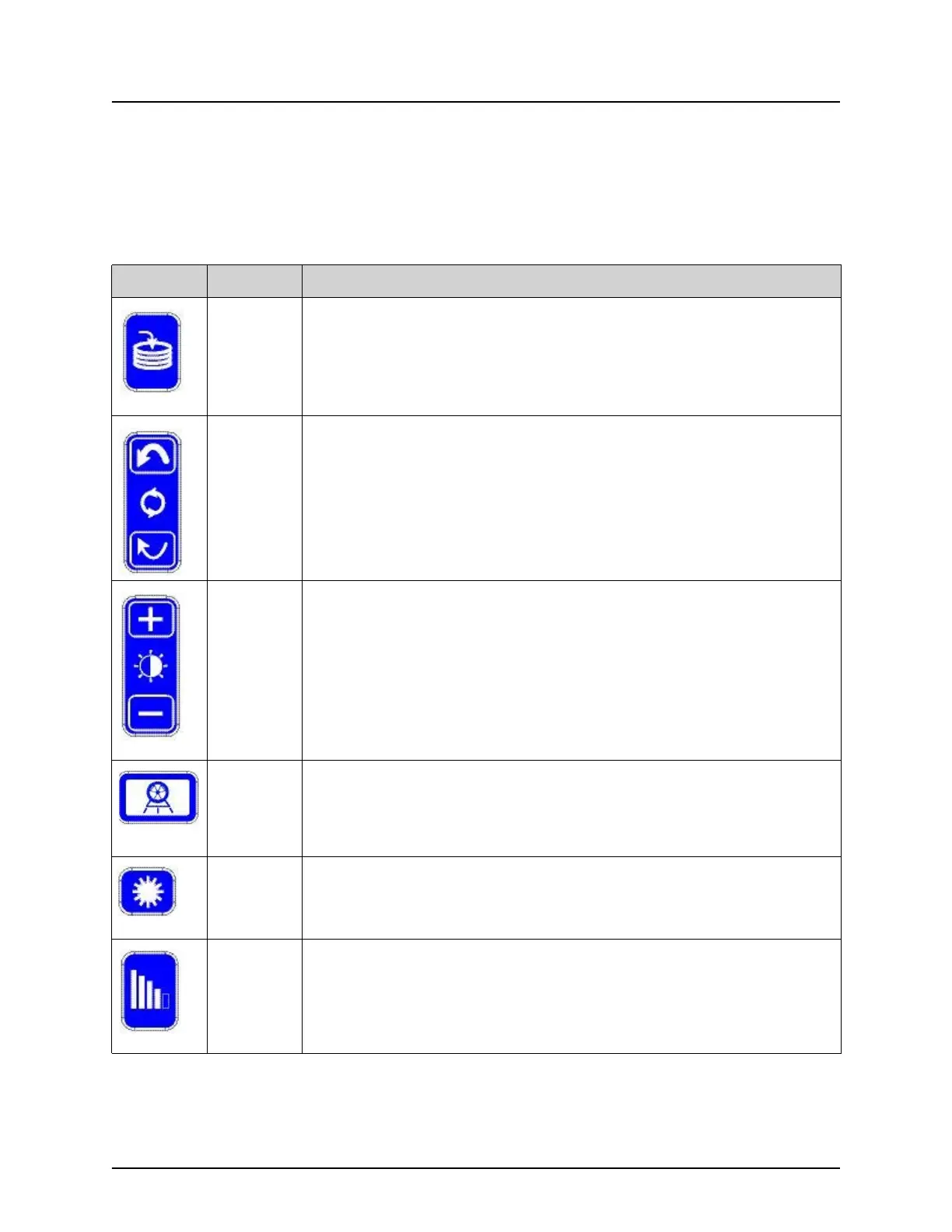
Table 3 X-ray Head Control Panel
Symbol Label Function
Save Saves selected images or cine loop to the patient’s record.
If the number of stored images or minutes of cine loop exceeds
the storage limit, a message displays.
Rotate Rotates the image 10 degrees clockwise or counterclockwise.
B/C Allows adjustment of image brightness and contrast.
X-ray Acquires an X-ray exposure. Press switch once to actuate X-rays.
A yellow indicator light located on top of the monitor shows
that X-rays are being produced.
Laser Turns on the Positional Laser.
Noise
Suppres
sion
Cycles through the Noise suppression settings during image
acquisition.















 To Next Page