Insight FD Mini C-Arm Imaging System User Guide
Controls and Indicators
MAN-09971 Revision 001 14
Foot Switch Controls
For instructions to enable and disable configuration options, see Table 19.
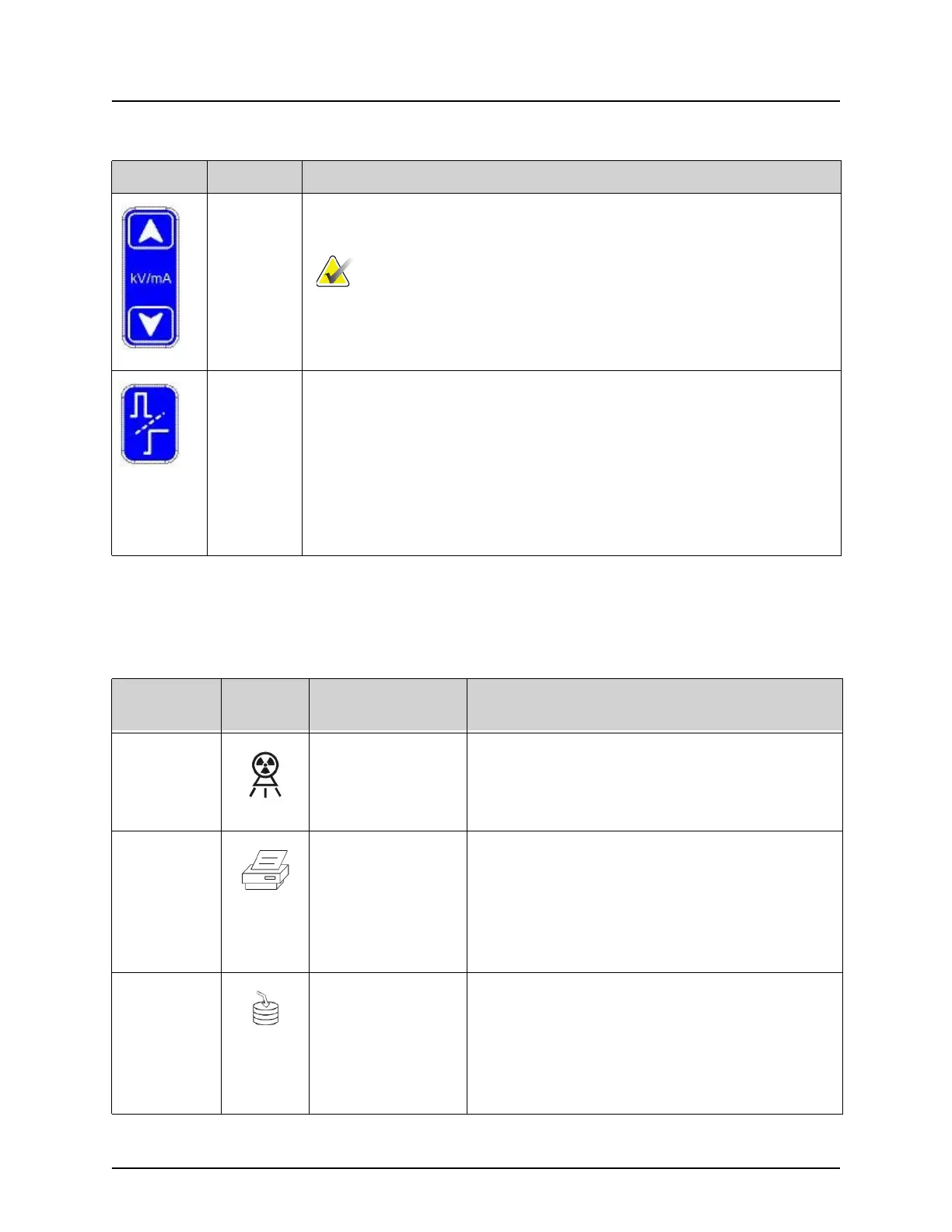
kV/mA Increases or decreases technique factors based on selected mode
(Table 14).
Pressing both the up and down power buttons at the
same time returns the system to Auto Power mode.
Mode Acquisition Mode Selection cycles through:
Continuous – Displays continuous images when X-rays are
actuated.
Snapshot – Captures and displays one image when X-rays are
actuated.
Cine Record – Gathers all images acquired into a cine loop.
Continuous and/or Snapshot mode may be disabled (Physician
Preferences on Page 30).
Table 3 X-ray Head Control Panel
Symbol Label Function
Table 4 Foot Switch Controls
Switch
Position
Symbol Name
Function
Left X-ray Acquires an X-ray exposure.
A yellow indicator light located on top of
the monitor shows that X-rays are being
produced.
Center Print or Display
Full Screen
Image
(configurable)
Prints the current image on the local printer.
From the View Screen on a wide-screen
monitor, toggles between Full Screen and
Standard Image View when the Toggle Full
Screen View from Print Footswitch option is
enabled.
Right Save or Tag
(configurable)
Saves the image and marks the image as a
reference when the Save or Tag footswitch is
pressed and released a second time.
Saves the image and unmarks the image as a
reference when the Save or Tag footswitch is
pressed and released a second time.















 To Next Page