Insight FD Mini C-Arm Imaging System User Guide
Using the Insight Application
51 MAN-09971 Revision 001
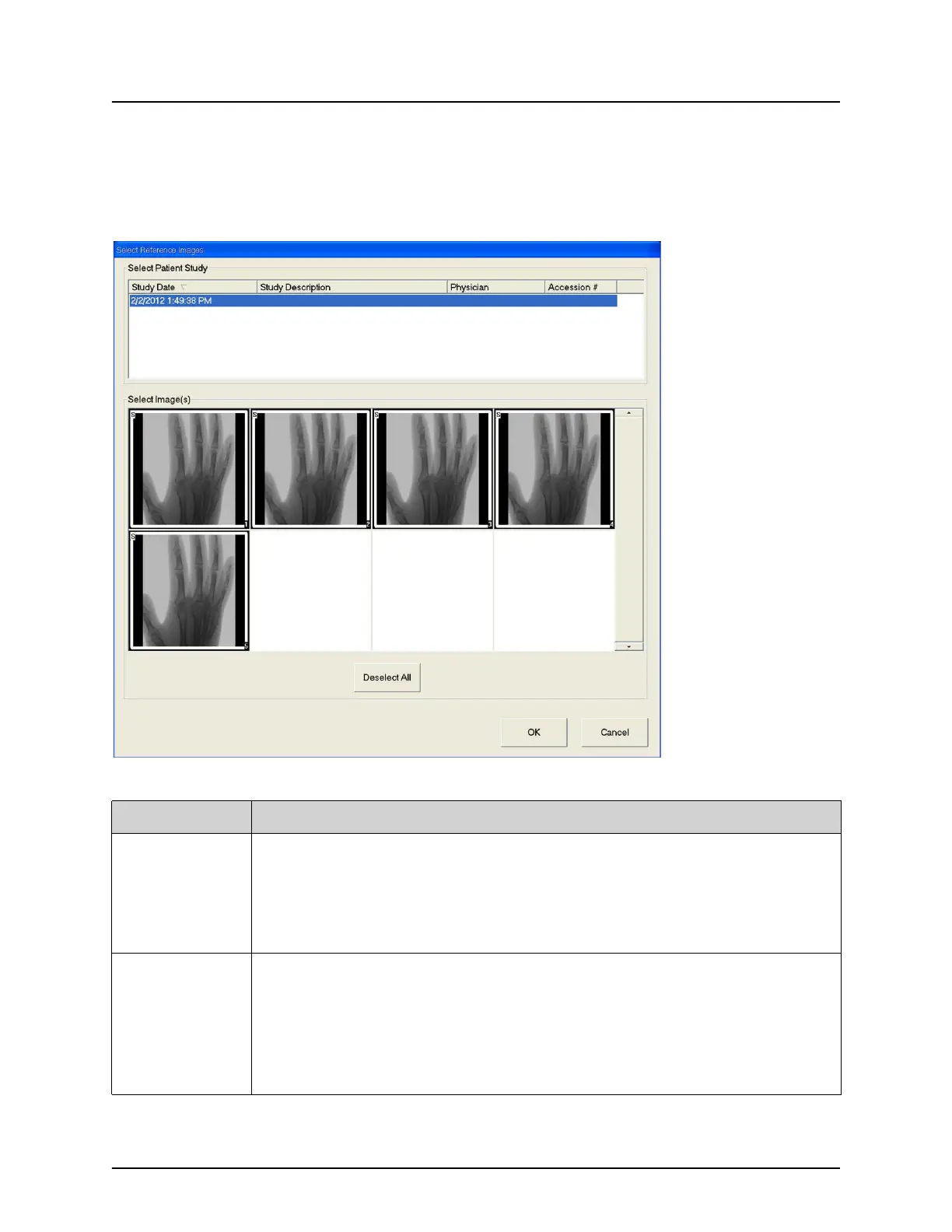
Select Reference Images Window
Available from the Image Acquisition screen by selecting Select Reference
Images from the Configure Image Area menu.
Figure 29 Reference Images Window
Table 34 Select Reference Images Window, Section Descriptions
Section Description
Select Patient
Study
Selection list of prior studies for the current patient stored on the
system.
The selection list can be sorted on any column by clicking in the
respective column label. The entry field label in the Find section
changes to correspond to the selected sort column.
Select
Image(s)
A selection list of thumbnail images contained in the selected patient/
study file.
A white box surrounds selected images. Multiple images can be
selected. All images can be selected/unselected by clicking Select All
or Deselect All. A scroll bar is displayed if the filmstrip layout does
not show all images.















 To Next Page