Insight FD Mini C-Arm Imaging System User Guide
Configuring the Application
MAN-09971 Revision 001 36
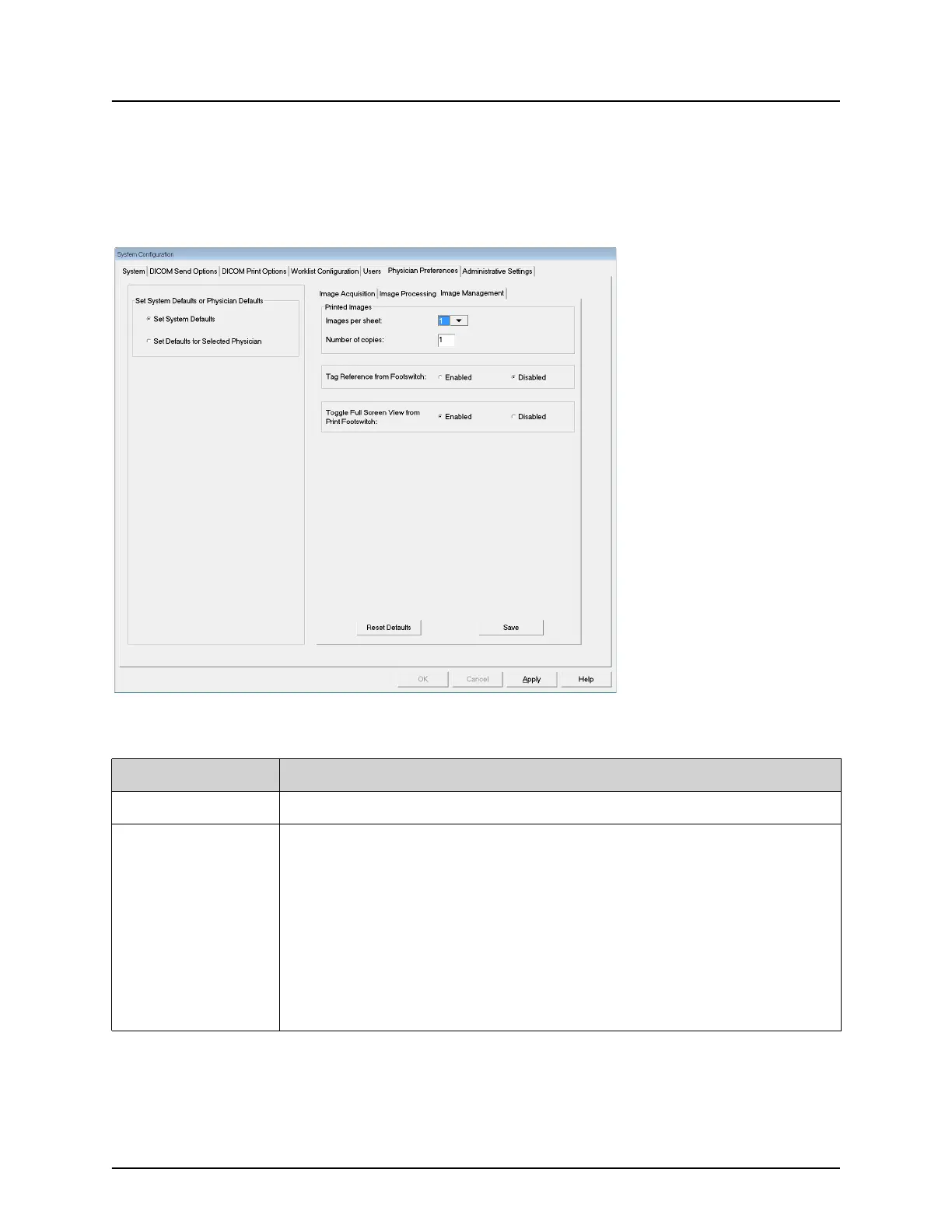
Physician Preferences — Image Management
Displays the current default preference settings for the system or the
selected physician. Settings can be customized by an administrator.
Figure 19 Physician Preferences — Image Management
Table 21 Physician Preferences, Image Management Tab, Section/Field
Descriptions
Section/Field Description
Printed Images Select Number of Images per sheet and Number of copies to print.
Tag Reference
from Footswitch
When Enabled:
Press the Save footswitch once to tag the image as a reference
image.
Press Save a second time to save the image and remove the
reference tag.
Press Save a third time to re-tag the image as a reference image.
When Disabled:
Press the Save footswitch once to save the image (does not tag the
image as a reference image).















 To Next Page