Insight FD Mini C-Arm Imaging System User Guide
Configuring the Application
23 MAN-09971 Revision 001
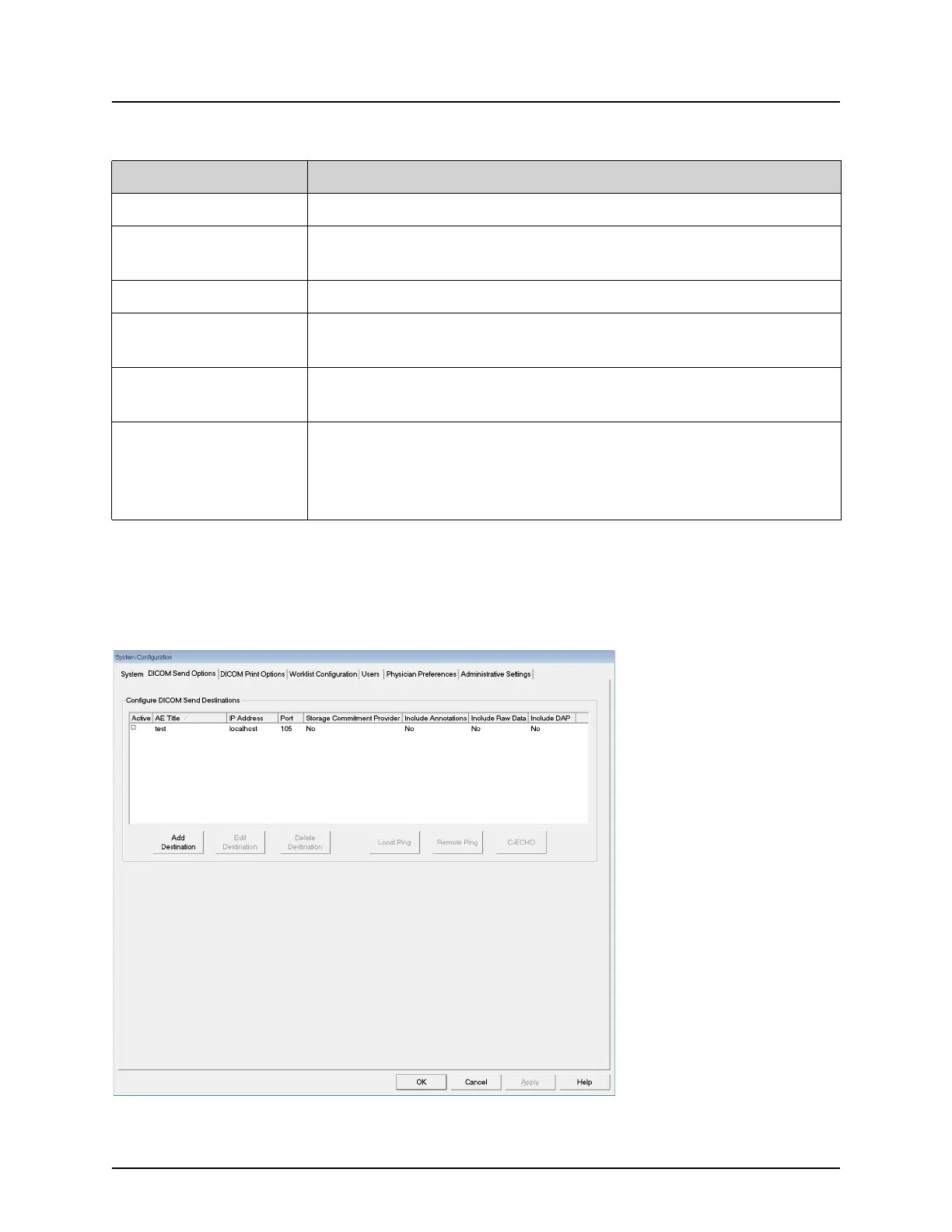
DICOM Send Options
Available from System Configuration menu (Figure 10) on the Main
Screen.
Figure 12 DICOM Send Options
Organization Name Administrator can enter name.
Default Physician's
Name
Select default physician to be used by the application.
Selected Language Select language to be used by the application.
Query on Delete Administrator can select to display warning message when
deleting images.
Brightness/Contrast
Adjustment
Sets the amount of time (from 1 to 60 seconds) that the
Brightness/Contrast adjustment dialog will be displayed.
DICOM Application
Information
AE Title and Station Name for the application. IP Address
displays the network address assigned to the system the
application is running on.
Station Name allows multiple systems to use the same AE Title.
Table 8 System Page
Section/Field Description















 To Next Page