Insight FD Mini C-Arm Imaging System User Guide
Using the Insight Application
49 MAN-09971 Revision 001
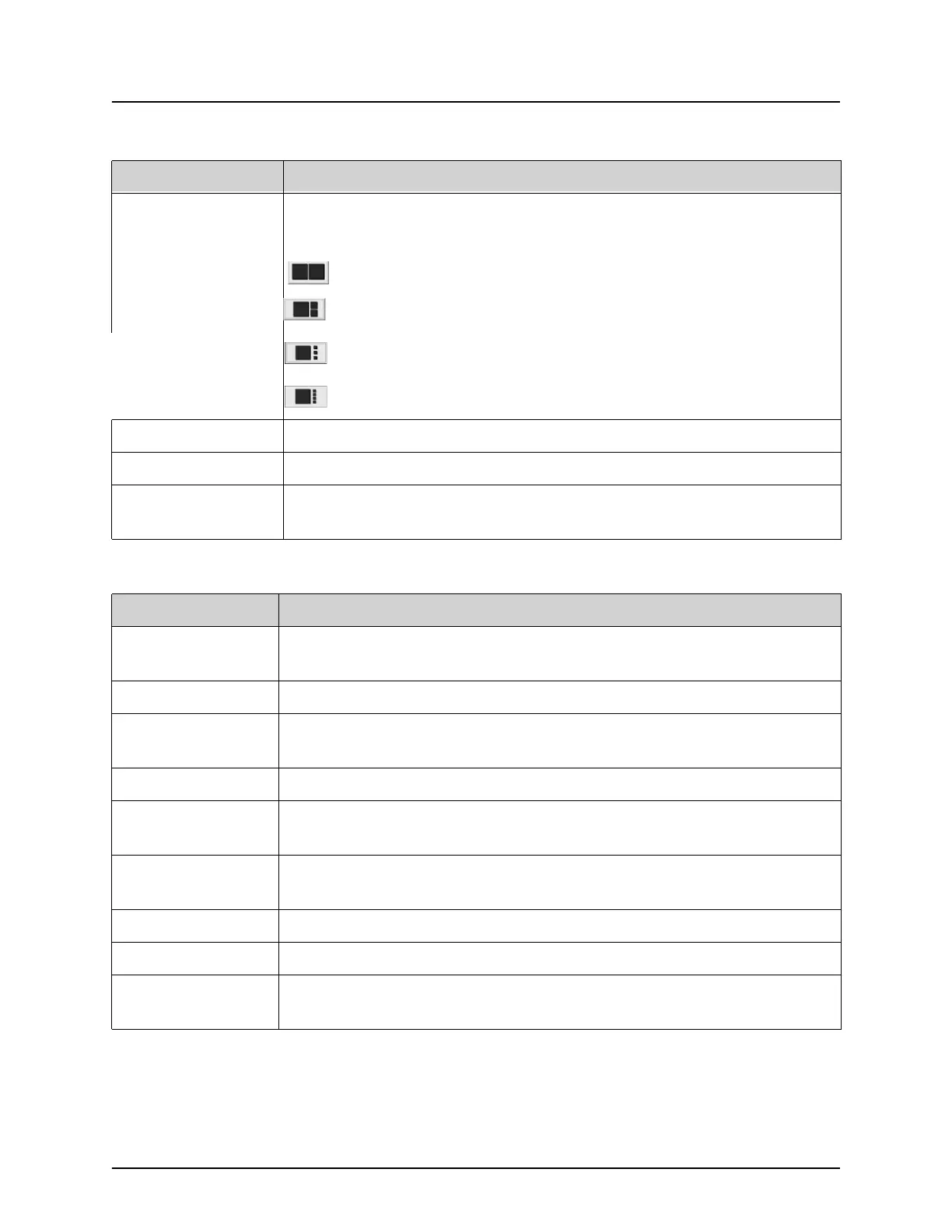
Format Toggle Selects current image size and number of thumbnail images that
display in the filmstrip area.
one filmstrip image.
two filmstrip images.
three filmstrip images.
four filmstrip images.
Update Patient Returns to the Select or Enter Patient window.
Review Displays the Review Images screen.
End Session Ends the current patient’s acquisition session. Returns to the main
screen.
Table 32 Image Acquisition Screen, Button Functions
Button Function
Table 33 Tool Set
Button Function
Zoom Magnifies the area under a magnifying glass two times.
The magnified area can be moved to any place on the image.
Free Rotate Allows image to be freely rotated using the mouse or touch screen.
Enhance * Applies/removes image enhancement to/from the image according
to Image Enhancement settings selected in Table 33.
Flip * Flips/unflips the image horizontally about the center.
Reverse Video * Applies/removes reverse video (blacks go to white; whites go to
black) to/from the image.
Dark Fluoro * Applies/removes dark fluoro (white image pixels change to black)
to the image.
Rotate Left Rotates the image in 10 degrees increments counterclockwise.
Rotate Right Rotates the image in 10 degrees increments clockwise.
Reset All Resets all image processing on the image to the last saved state of
the image.















 To Next Page