Insight FD Mini C-Arm Imaging System User Guide
Using the Insight Application
MAN-09971 Revision 001 58
Maintaining Patient Study Records
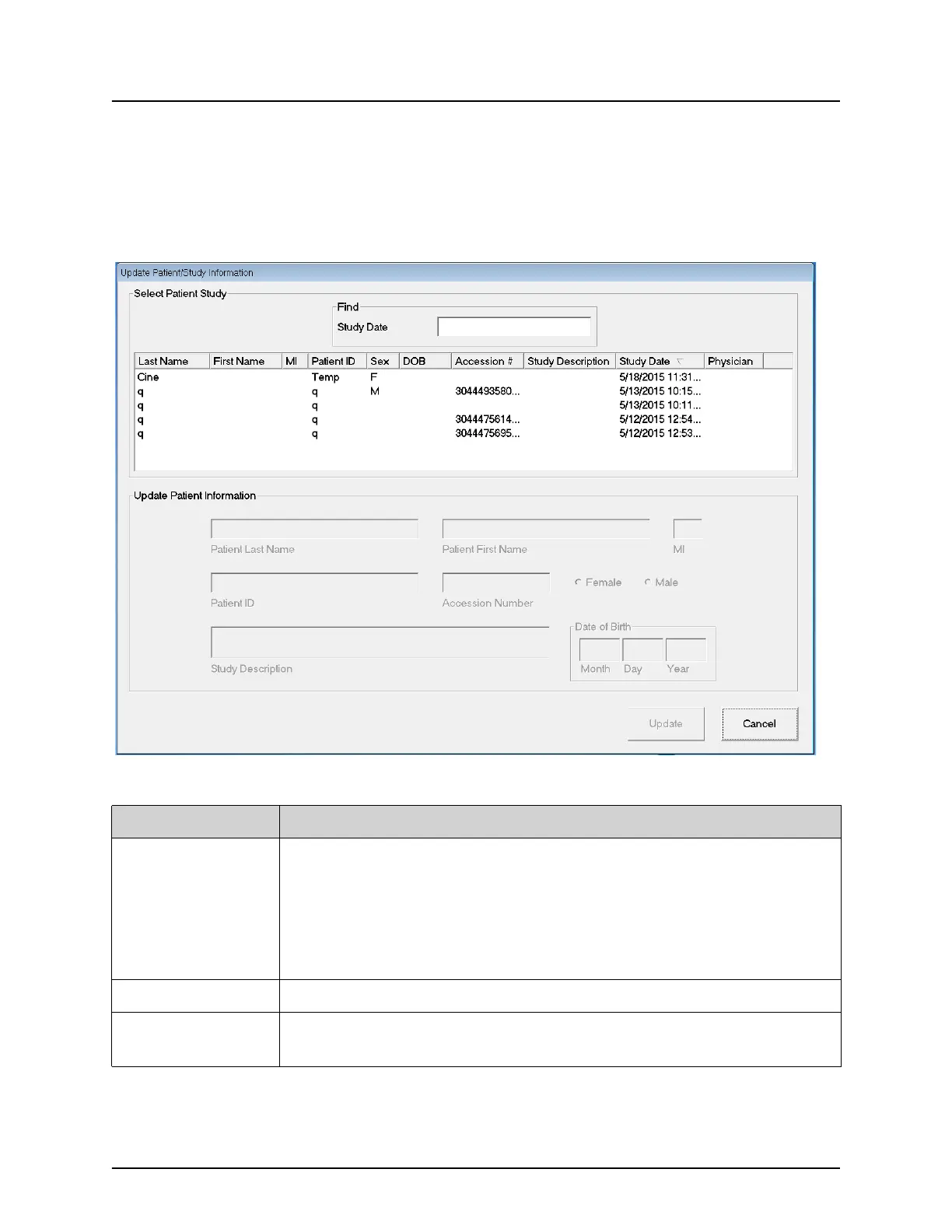
Update Patient Study Information Window
Available to administrators from the tools menu on the Main Screen.
Figure 35 Tools Menu
Table 40 Update Patient/Study Information Window, Section Descriptions
Section Description
Select Patient
Study
Selection list of all patient/study records on the system and a
search criteria section (Find).
The selection list can be sorted on any column by clicking in the
respective column label.
The entry field label in the Find section changes to correspond to
the selected sort column.
Find Use to quickly locate a patient/study.
Update Patient
Information
Displays information from the selected patient/study record.















 To Next Page