Insight FD Mini C-Arm Imaging System User Guide
Using the Insight Application
59 MAN-09971 Revision 001
Export Images
Available from the Tools Menu on the Main Screen and from the Review
Images Screen.
Export from Review Images Screen
1. From the Review images Screen (Figure 36), Select images for
export.
2. Click Export to open the Export Images Window (Figure 37).
3. Select the options for export: File Type and/or Annotations
4. Click Export.
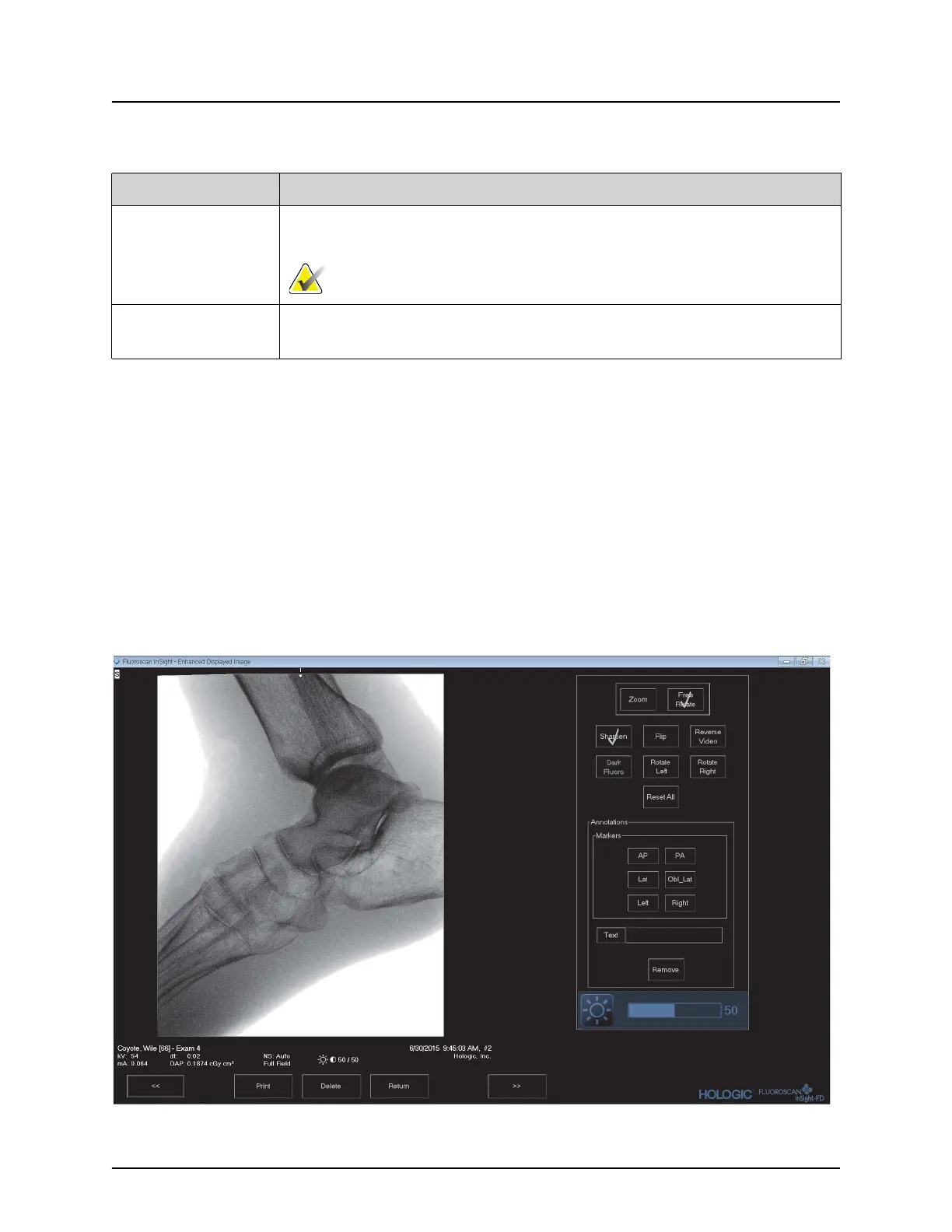
Figure 36 Image Export from Review Screen
Table 41 Update Patient/Study Information Window, Button Functions
Button Function
Update Updates the patient information on all images in the selected
study.
Note The Auto-Accession number is associated with a specific
patient. It does not change when patient information is updated.
Cancel Closes the window without updating and returns to the main
screen.















 To Next Page