Insight FD Mini C-Arm Imaging System User Guide
Using the Insight Application
MAN-09971 Revision 001 54
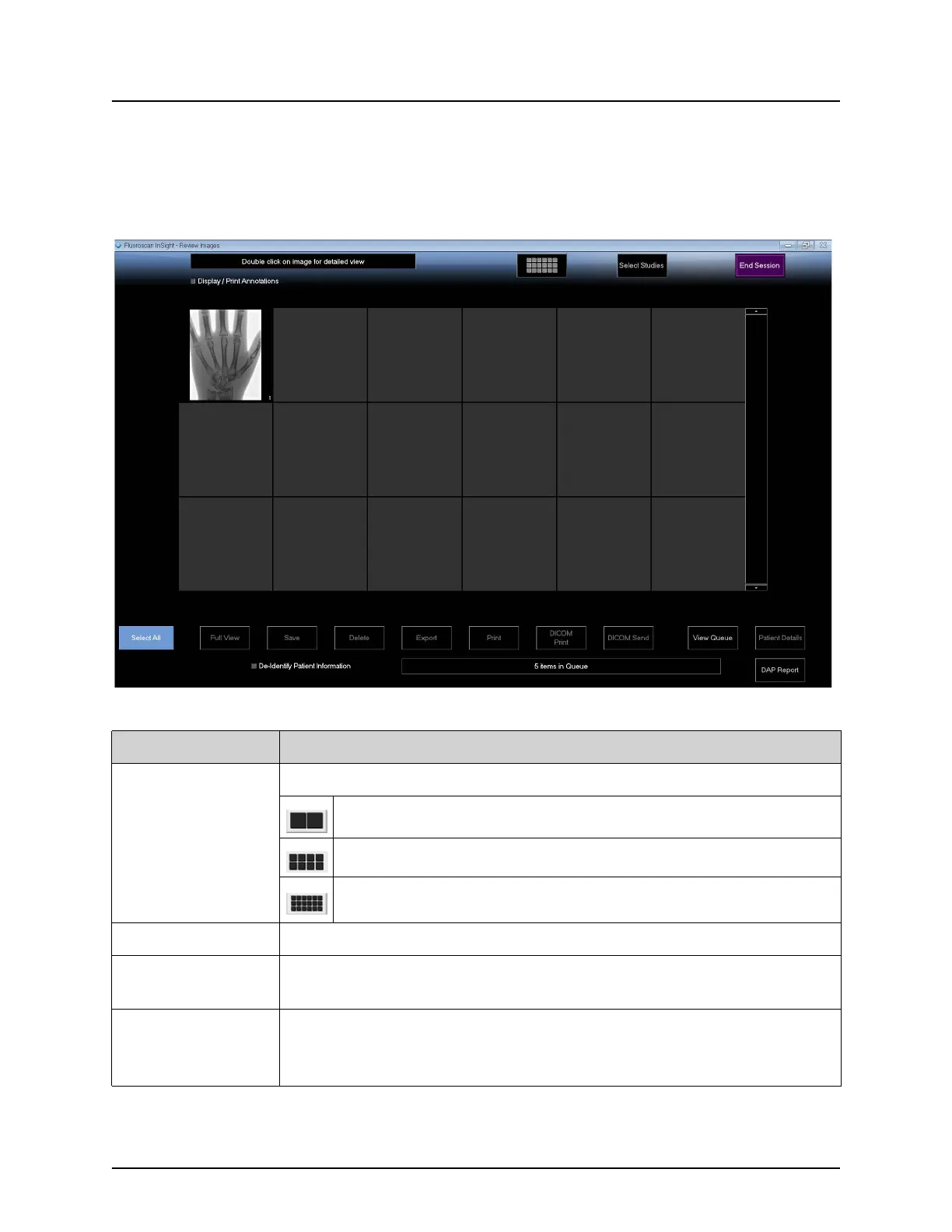
Review Screen
Available from the Select Study for Review window, and from the Image
Acquisition screen by clicking Review.
Figure 31 Review Images Screen
Table 38 Review Screen, Button Functions
Button Function
Display Mode
Selection
Determine how images are displayed.
Displays one row of two images.
Displays two rows of four images.
Displays three rows of six images.
Select Studies Selects studies for review.
Display/Print
Annotations
Displays or prints annotations on the displayed image.
Select/Deselect
All
Toggles between:
Select All - Selects all unselected images.
Deselect All - Unselects all selected images.















 To Next Page