Insight FD Mini C-Arm Imaging System User Guide
Configuring the Application
25 MAN-09971 Revision 001
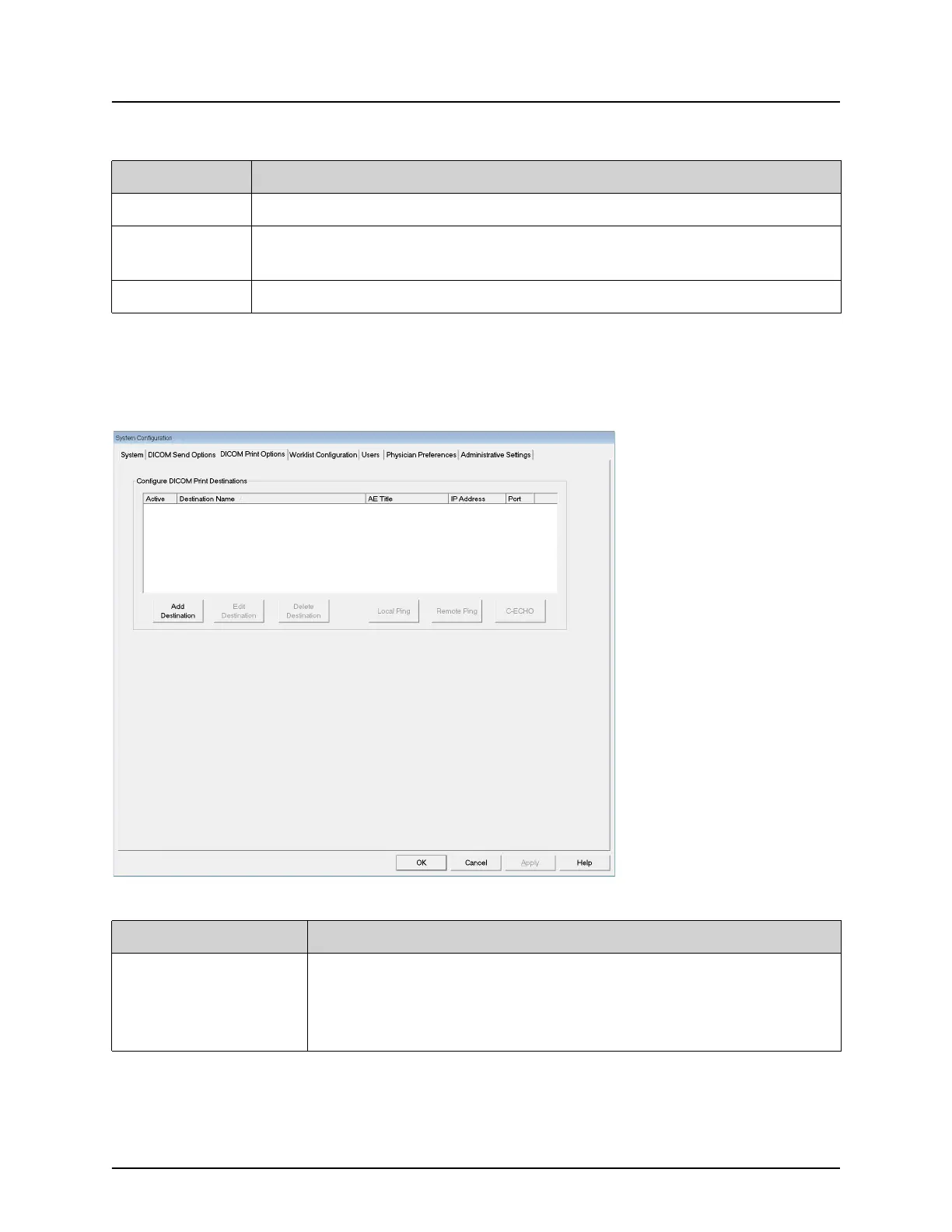
DICOM Print Options
Available from System Configuration menu (Figure 10) on the Main
Screen.
Figure 13 DICOM Print Options
C-ECHO Confirms network connection to PACS.
OK Updates the selection list with new or updated information and checks
the destination’s Active check box.
Cancel Ignores all edits and hides the Add/Edit Destination section.
Table 10 DICOM Send Options Page, Button Functions
Button Function
Table 11 DICOM Print Options Page, Section/Field Descriptions
Section/Field Description
Configure DICOM
Print Destinations
Selection list of DICOM Print destinations configured on the
system and six function buttons.
When checked, the Active column check box enables
destination for use.















 To Next Page