Insight FD Mini C-Arm Imaging System User Guide
Configuring the Application
29 MAN-09971 Revision 001
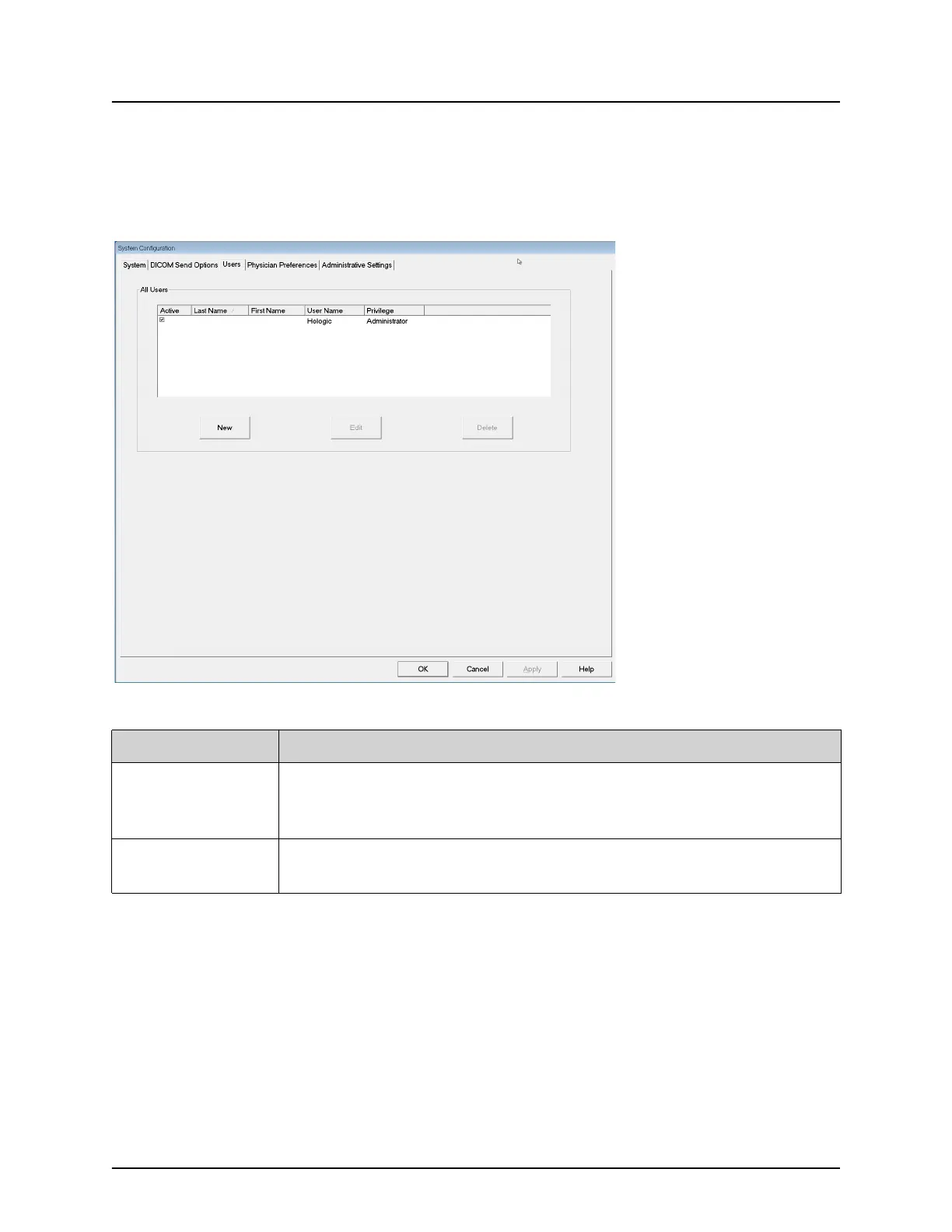
Users
Available from System Configuration Menu (Figure 10) on the Main
Screen.
Figure 15 Users
Table 15 Users Page, Section/Field Descriptions
Section/Field Description
All Users Displays selection list of registered system users.
When checked, the Active column check box allows user to log into
the system.
Add/Edit User Administrator entry/edit fields for user's actual name, login user
name, login password, and privilege.















 To Next Page