Insight FD Mini C-Arm Imaging System User Guide
Using the Insight Application
MAN-09971 Revision 001 46
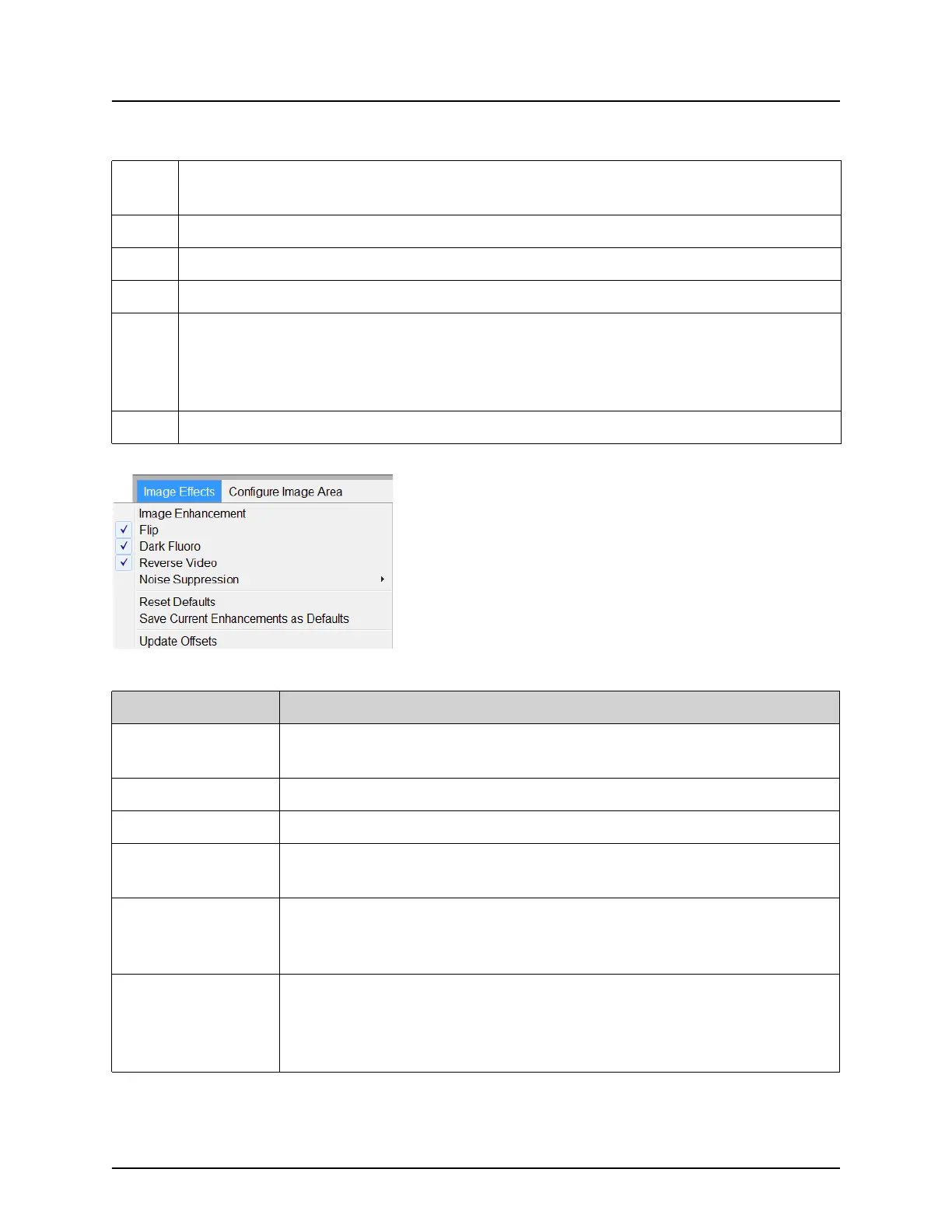
Figure 26 Image Effects Menu
D
Displays AKR and cumulative air kerma while the x-ray tube is active. Air
kerma is calculated at the entrance to the CMOS detector.
E Displays current power settings.
F Image Area.
G Displays cumulative DAP
H
Displays collimation mode. Limited Field magnifies a small area. Full field
displays a large area. You can cycle through fields by moving the collimation
switch. The collimation switch is underneath the x-ray head.
System Components on Page 12.
I Filmstrip/Tools Area (Table 33) for Tool Set description.
Table 29 Image Acquisition Screen
Table 30 Image Effects Menu
Function Description
Image
Enhancement*
Images enhanced according to edge and sharpening configurations
set in the Image Enhancement field in Table 44.
Flip* Images are flipped before being viewed by the user.
Dark Fluoro* Images have their white image pixels changed to black.
Reverse Video* Images are changed to a negative (blacks go to white; whites go to
black).
Noise
Suppression
Selects noise suppression level. Selections are Ultra, Auto, High,
Medium, Low and Off.
See Physician Preferences on Page 30 for default setting.
Reset Defaults Resets the image enhancements, flip, dark fluoro, reverse video,
and noise suppression settings to the default settings specified by
the current physician’s preferences settings, or the system default
preferences settings in the event of a visiting physician.















 To Next Page