Insight FD Mini C-Arm Imaging System User Guide
Using the Insight Application
MAN-09971 Revision 001 38
Using the Insight Application
You can select buttons, menus, menu functions, icons, and position the
insertion cursor in fields by
• Positioning the cursor on the respective item and clicking the left
mouse button, or
• Touching the item on the touch screen if enabled.
In this manual “click” indicates both ways.
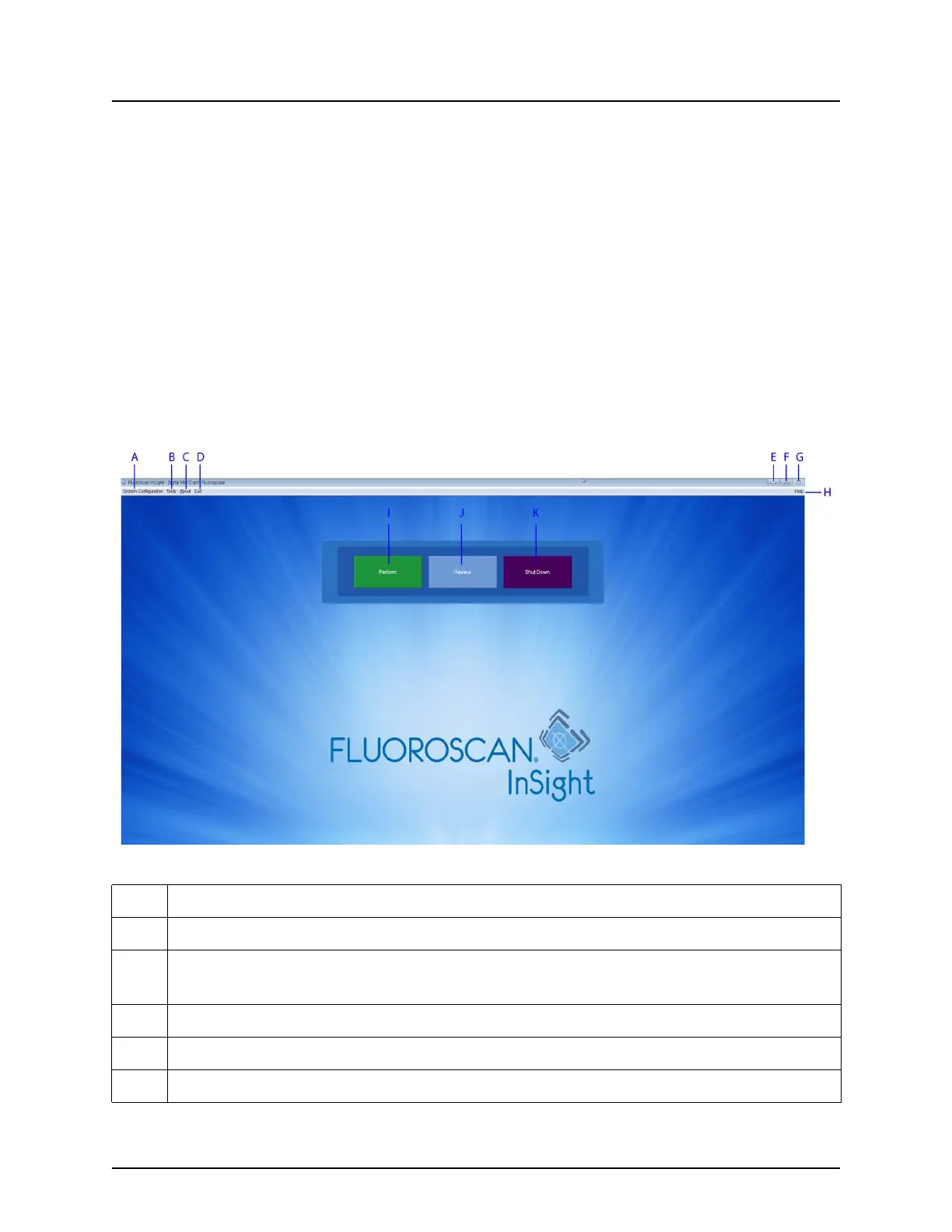
The main screen appears if Audit Mode is on. If Audit mode is off, the
Image Acquisition screen is displayed.
Main Screen
Figure 20 Main Screen
Table 24 Main Screen Options
A System Configuration menu (Table 25).
B Tools Menu (Table 26)
C
About - Displays Insight application’s version number, serial number, and
copyright data.
D Exit menu. Allows the user to logout or exit the application.
E Minimize the screen
F Maximize the screen















 To Next Page