Insight FD Mini C-Arm Imaging System User Guide
Using the Insight Application
61 MAN-09971 Revision 001
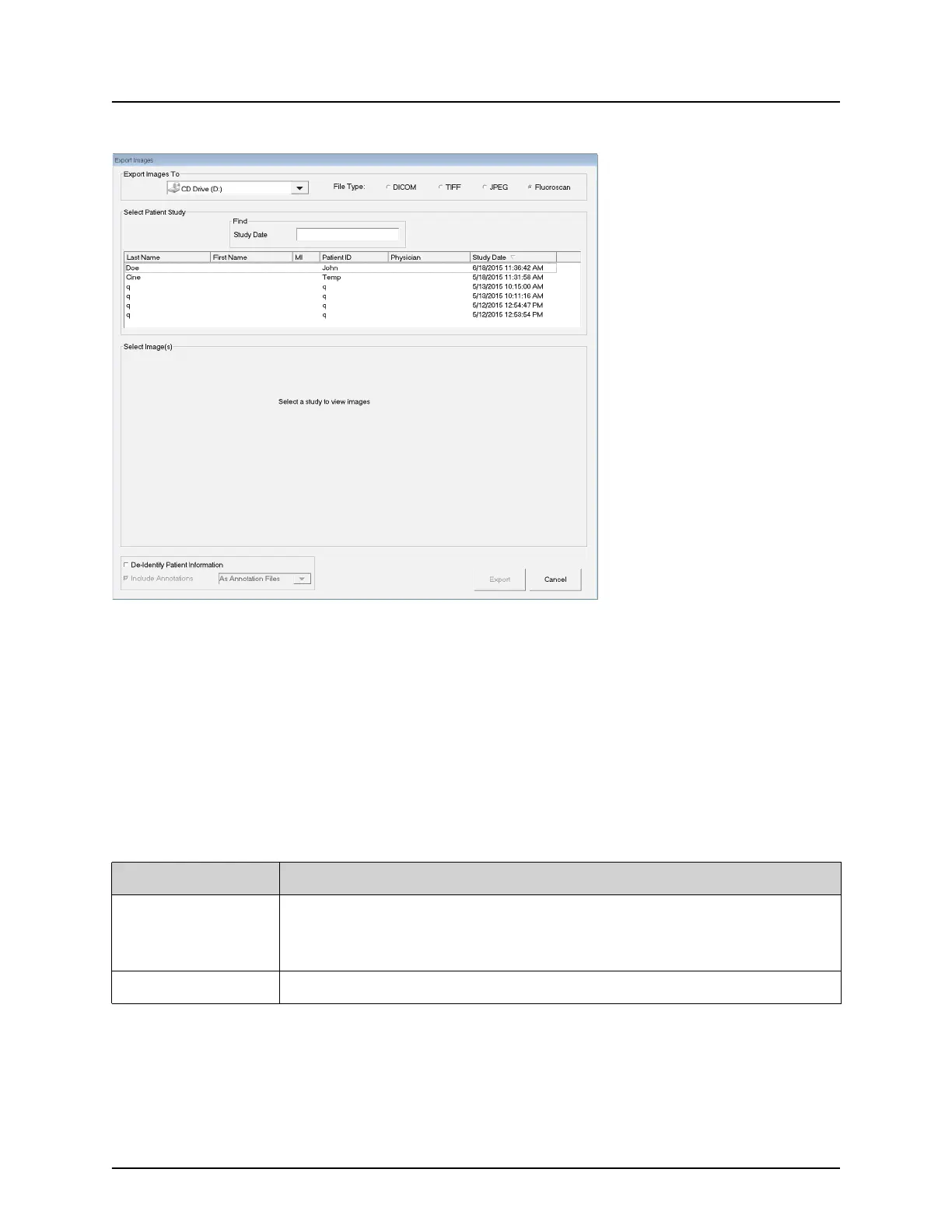
Figure 39 Export Images from Tool Menu
4. Click Export to open the
5. Select the images and options for the export:
a. Select the Images for export
b. Location to which the files will be exported
c. File Type
d. De-identify patient information
e. Annotations
6. Click Export.
Table 42 Export Window, Section Descriptions
Section Description
Export Images to Selection list of removable media devices currently available to the
system. Other Locations allows the user to browse for a folder on the
system or network.
File Type File format selection.















 To Next Page