Insight FD Mini C-Arm Imaging System User Guide
Configuring the Application
21 MAN-09971 Revision 001
Configuring the Application
System Configuration User Interface
System configuration user interface consists of a multiple-page
tab-selected window. Each tab displays a page of configuration data.
Four buttons display at the bottom of the window that are independent of
the selected page:
System
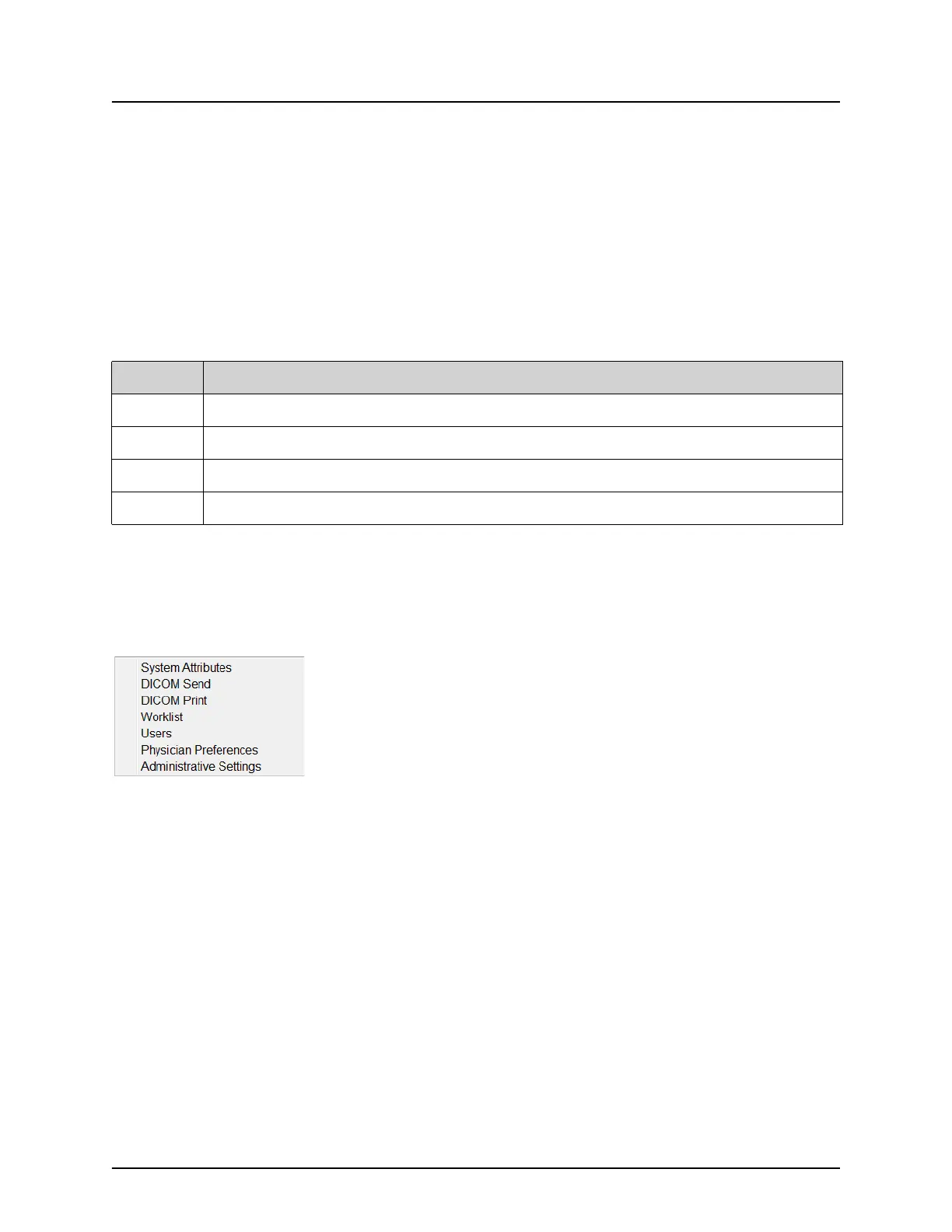
From the System Configuration menu (Figure 10) on the Main Screen,
the System page (Figure 11) is accessible.
Figure 10 System Menu
Table 7 System Configuration User Interface
Button Function
OK Saves data for all System Configuration pages and closes the window.
Apply Saves data for the currently selected System Configuration page.
Cancel Closes the window without saving any data.
Help Displays help for the selected page.















 To Next Page