Insight FD Mini C-Arm Imaging System User Guide
Using the Insight Application
MAN-09971 Revision 001 50
*This button may be configured on, off, or disabled (Physician Preferences
on Page 30).
Annotations Contains function buttons and a field that allows the user to add
markers or text to the image or remove selected markers or text
from the image.
Annotations can be moved and/or removed using the mouse or
touch screen.
To remove an annotation, deselect Free Rotate, select the
annotation, click Delete.
Annotations include:
AP, PA, Lat, Obl_Lat, Left, Right, Text (Places the text in the text
edit box on the image).
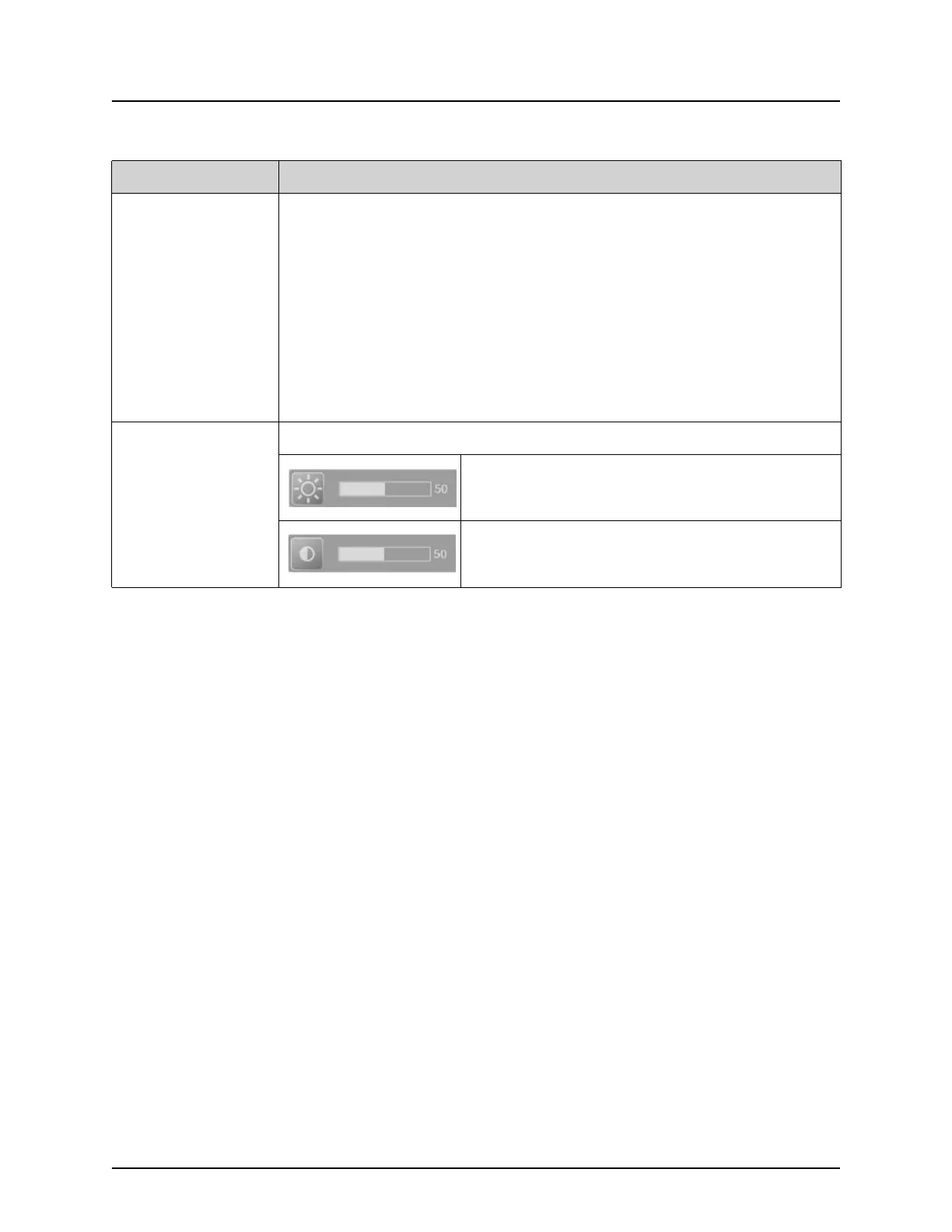
Brightness/
Contrast
Allows adjustment of brightness and contrast of the selected image.
Brightness control
Contrast control
Table 33 Tool Set
Button Function















 To Next Page