Selenia User Guide
Chapter 6—The User Interface
MAN-03270 Revision 003 89
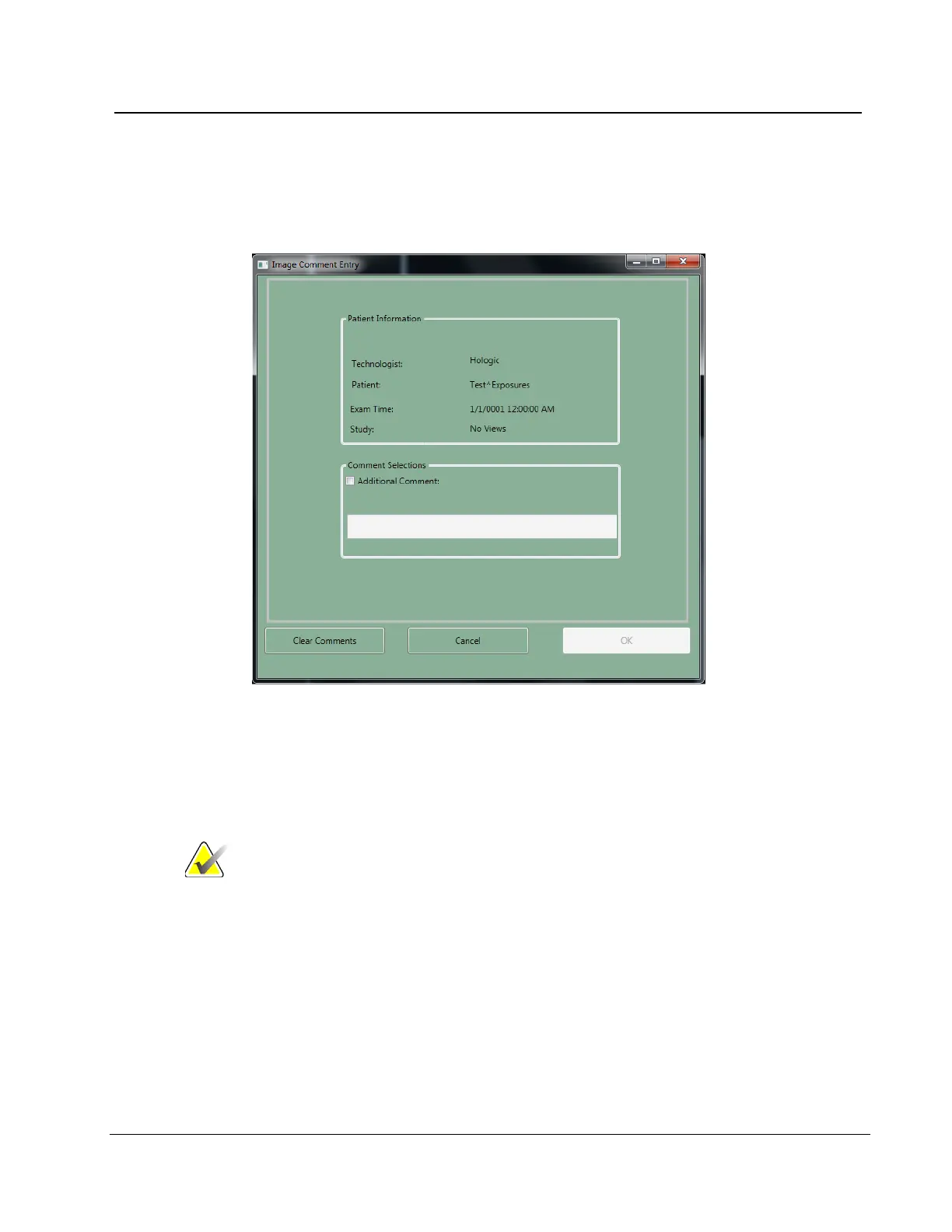
6.4.3.1 Comments
The comment text is inserted in the DICOM header of the Acquired Image. The Diagnostic
Review Workstation displays the comments.
Figure 65: Image Comments
1. Select the Comments button.
2. Select the Additional Comment checkbox.
3. Select the field below the checkbox and enter your comment.
4. Select the OK button to save the comment.
Note To remove all comments, select the Clear Comments button.
To close the dialog box without a change to the comments,
select the Cancel button.












 To Next Page