Selenia User Guide
Chapter 6—The User Interface
92 MAN-03270 Revision 003
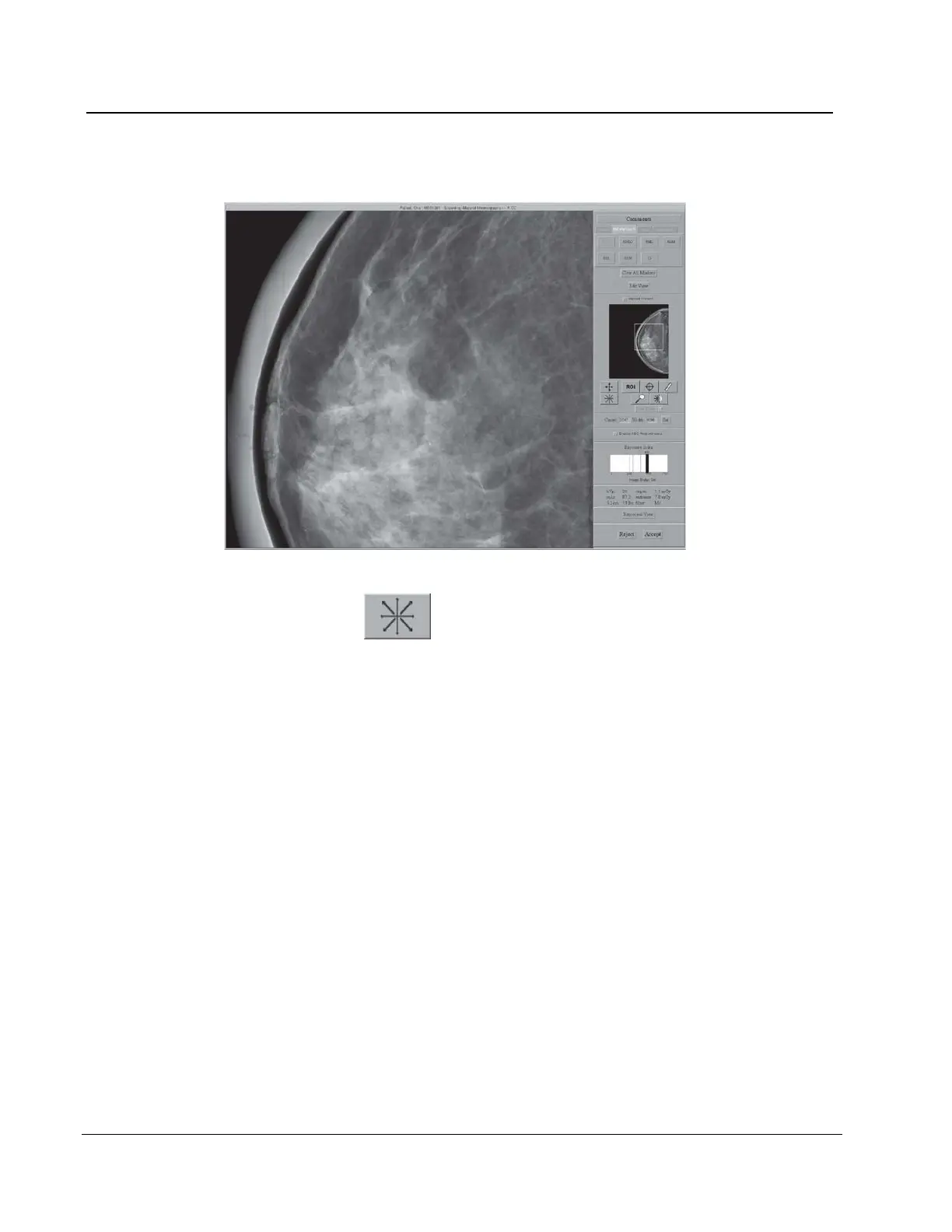
6.4.3.5 Full Zoom/Pan
Figure 67: Full Zoom/Pan Image
The Full Zoom/Pan function becomes available after image processing is
complete. The box in the thumbnail image on right side of the screen shows where the
magnification view is in the complete image. With a left click, you can move this box in
the thumbnail to view any area in the image.
1. Select the Full Zoom/Pan button.
2. To move through the image, drag with the right trackball or mouse button.
3. To turn off the function, select the Full Zoom/Pan button again.












 To Next Page