Selenia User Guide
Chapter 6—The User Interface
MAN-03270 Revision 003 93
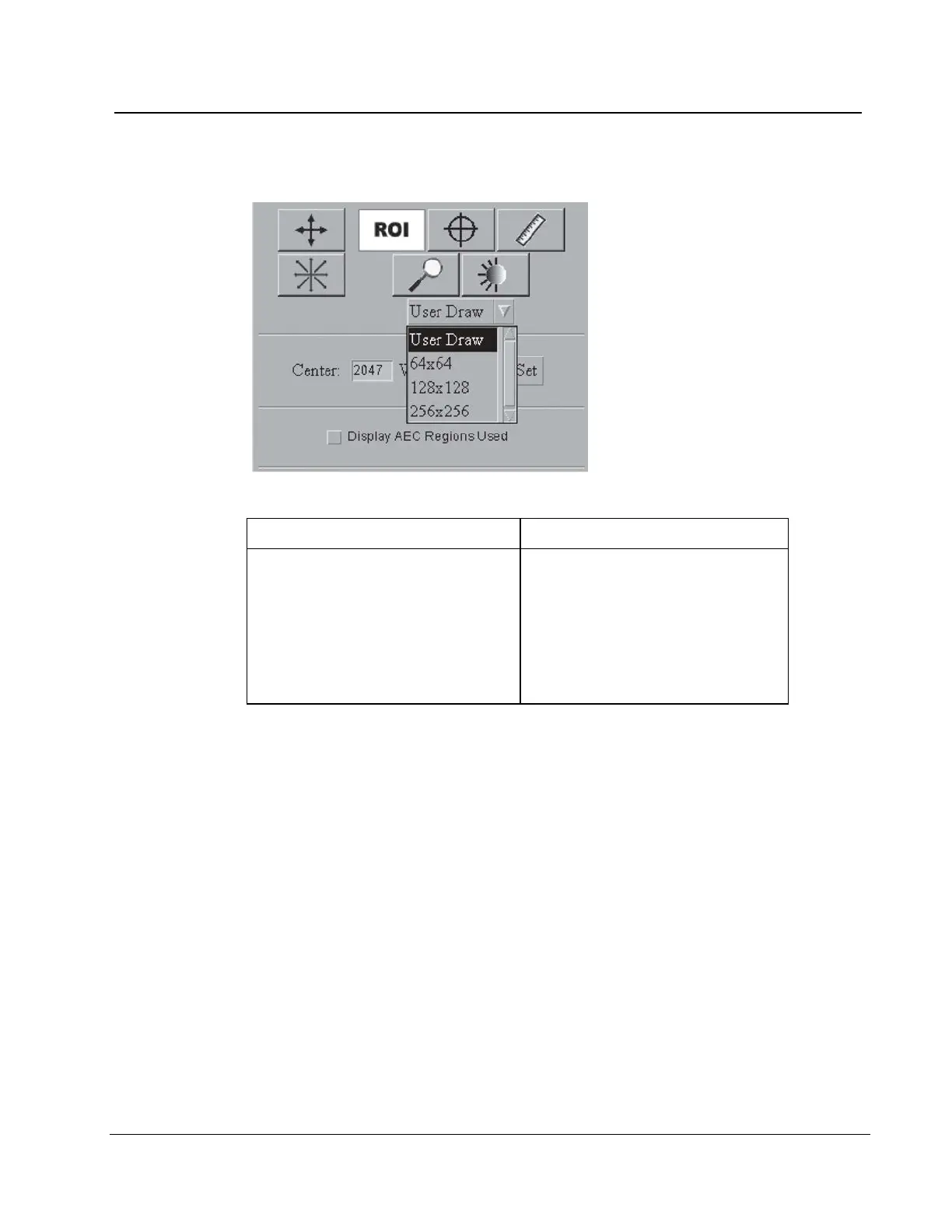
6.4.3.6 ROI
Figure 68: ROI Size Drop-down Menu
Method 1: Draw a custom box. Method 2: Use a pre-defined box
1. Select the ROI button.
2. From the drop-down menu, select
User Draw.
3. Click in the image and drag to
draw the size you need.
1. Select the ROI button.
2. From the drop-down menu,
select the size.
3. Click the area of interest in the
image.












 To Next Page