Selenia User Guide
Chapter 6—The User Interface
94 MAN-03270 Revision 003
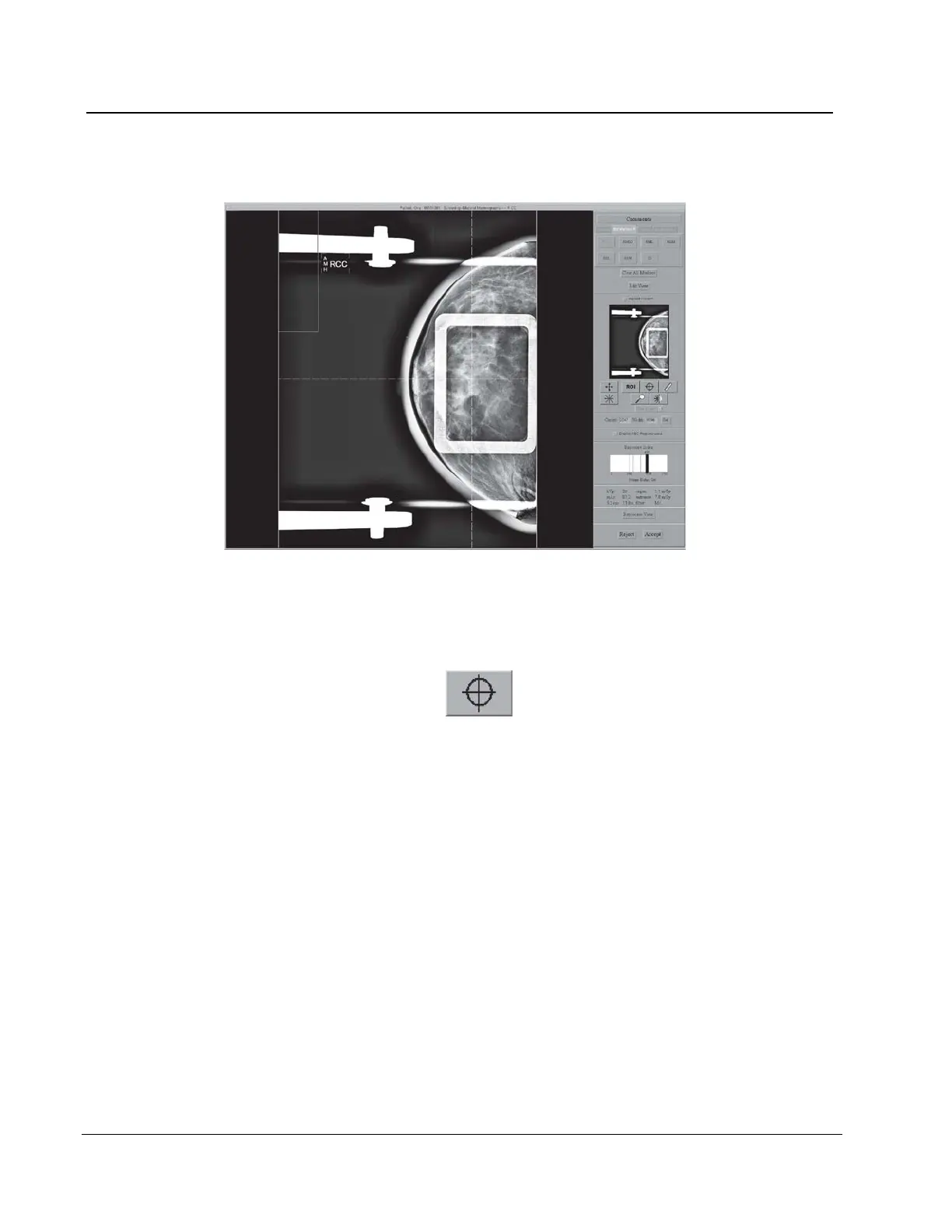
6.4.3.7 Crosshairs
Figure 69: Preview with Crosshairs
1. Install a localization paddle.
2. Acquire the image.
3. If necessary, select the Zoom/Pan button and move through the image.
4. Select the Crosshair button .
5. Select the area of interest in the image.
6. Drag the crosshairs to the needed position, or select another area.
7. If necessary, use the Zoom/Pan functions to follow the crosshair lines to the grid from
the localization paddle. The crosshair lines remain when the Zoom/Pan function is
enabled and disabled.












 To Next Page