Selenia User Guide
Chapter 6—The User Interface
MAN-03270 Revision 003 95
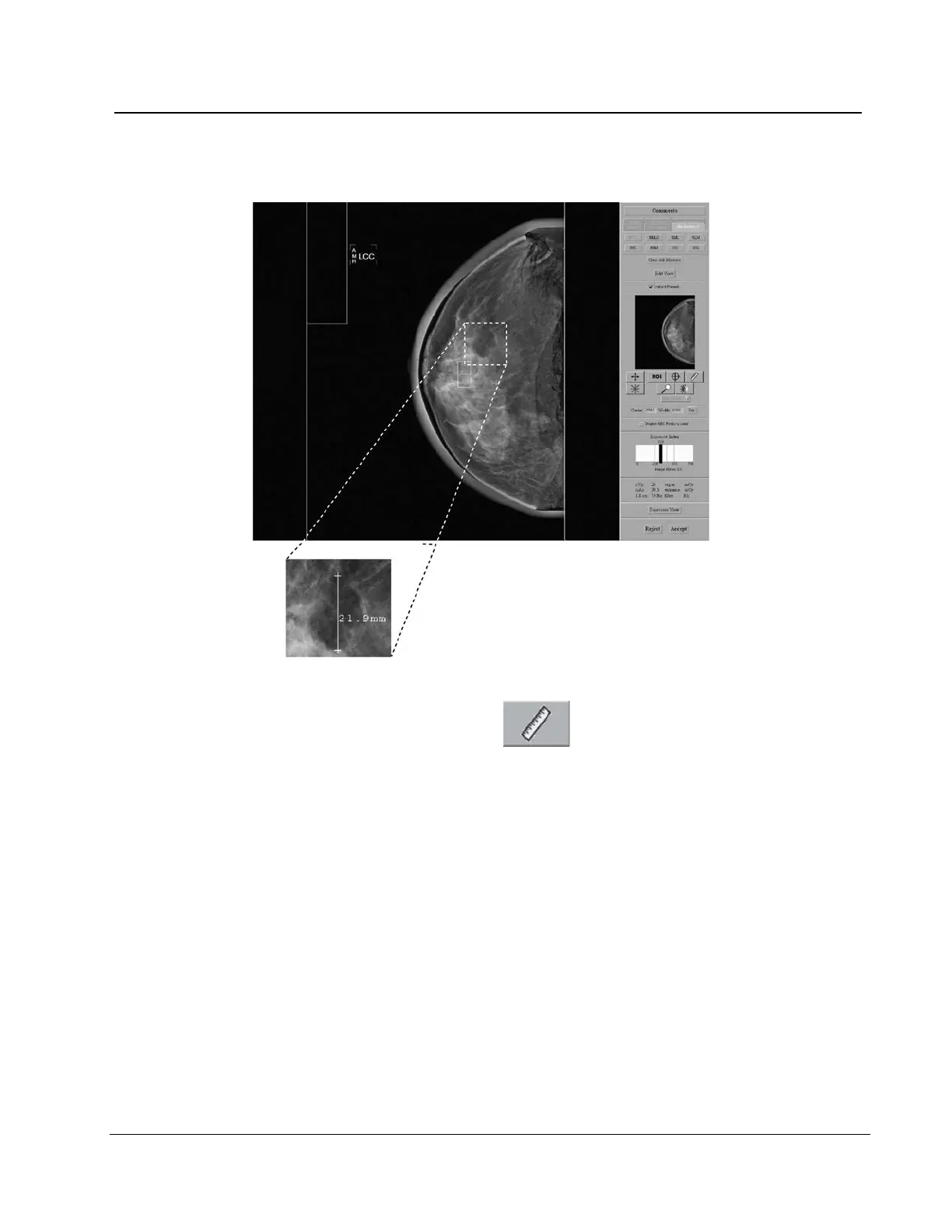
6.4.3.8 Measurement
Figure 70: A Measurement on the Preview Screen
1. Select the Measurement button .
2. Click the first point then drag to the second point. The distance displays when you
release the button.
3. Select the "+" at either end of the line to clear. There lines are not saved with the image.












 To Next Page