Selenia User Guide
Chapter 6—The User Interface
96 MAN-03270 Revision 003
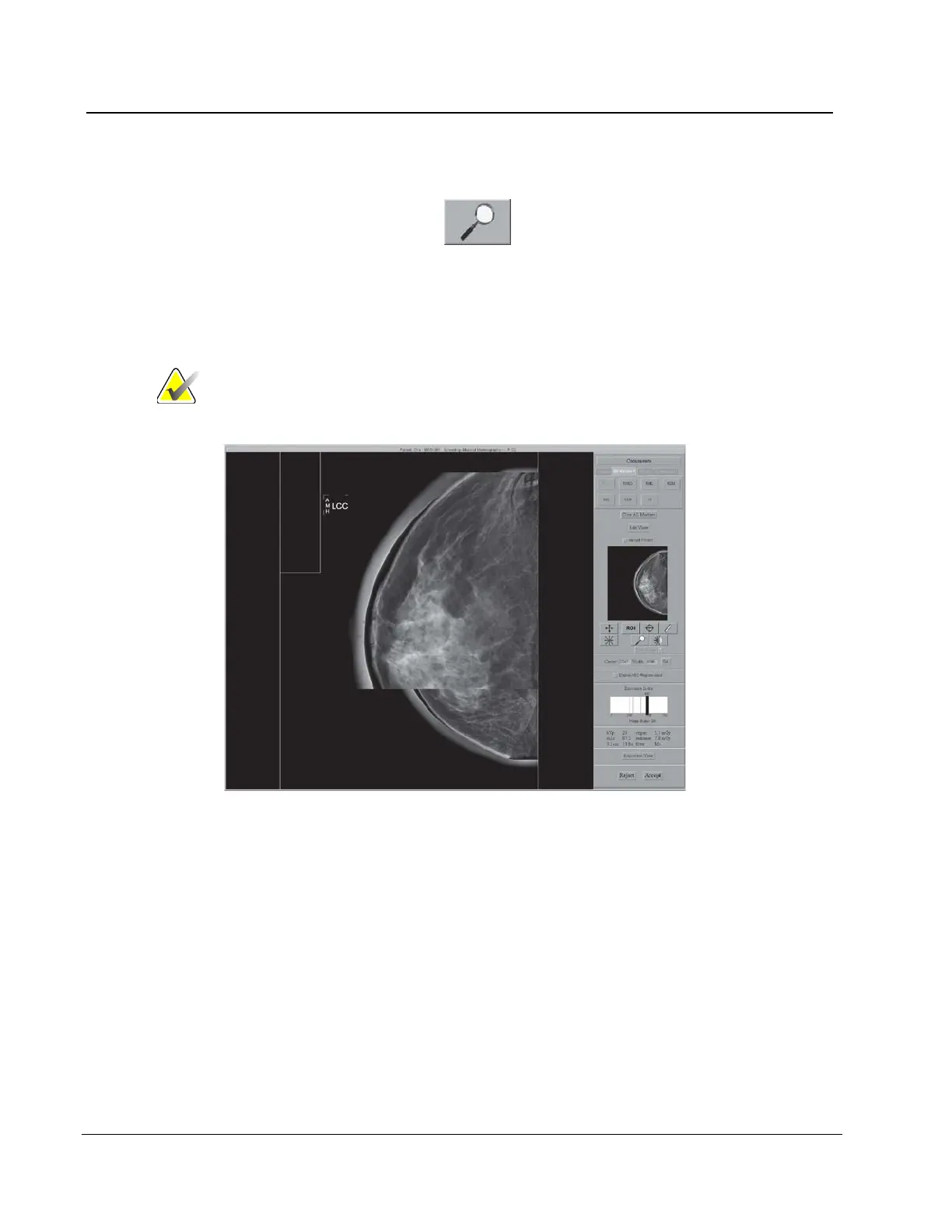
6.4.3.9 Magnification
Use the Magnification function to view part of the image at 2X the displayed
resolution.
1. Select the Magnification button.
2. Move the box that appears at the area of interest.
3. To turn off the magnification function, select the Magnification button a second time.
Note
You can use the magnification function on a Full Zoom
image.
Figure 71: Preview with Magnification












 To Next Page