Selenia User Guide
Chapter 6—The User Interface
MAN-03270 Revision 003 97
6.4.3.10 Window/Level
1. Select the Window/Level button .
2. Select in the image and hold while you move the trackball.
• Roll Up or Down to change the brightness (Level).
• Roll Right or Left to change the contrast (Window).
3. To return to the original settings, double click the image.
4. Select the Window/Level button to turn off the feature.
Note
This operation does not change the final, processed Image.
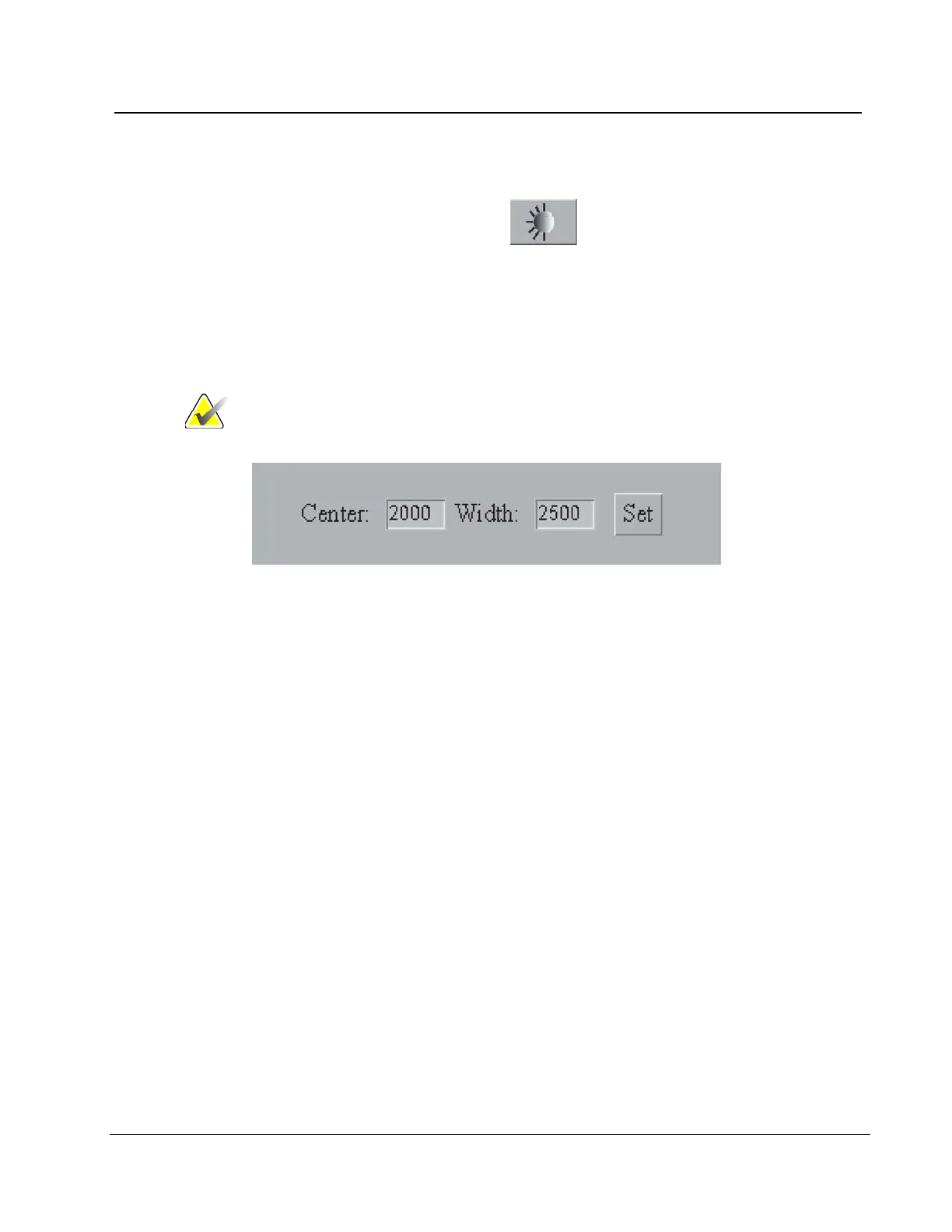
Figure 72: The Window/Level Settings
To enter a known Window/Level value:
1. Select the field (Center or Width) to change.
2. Enter a new number.
3. Select the Set button.
To return to the original setting, double click the image.












 To Next Page