Selenia User Guide
Chapter 6—The User Interface
98 MAN-03270 Revision 003
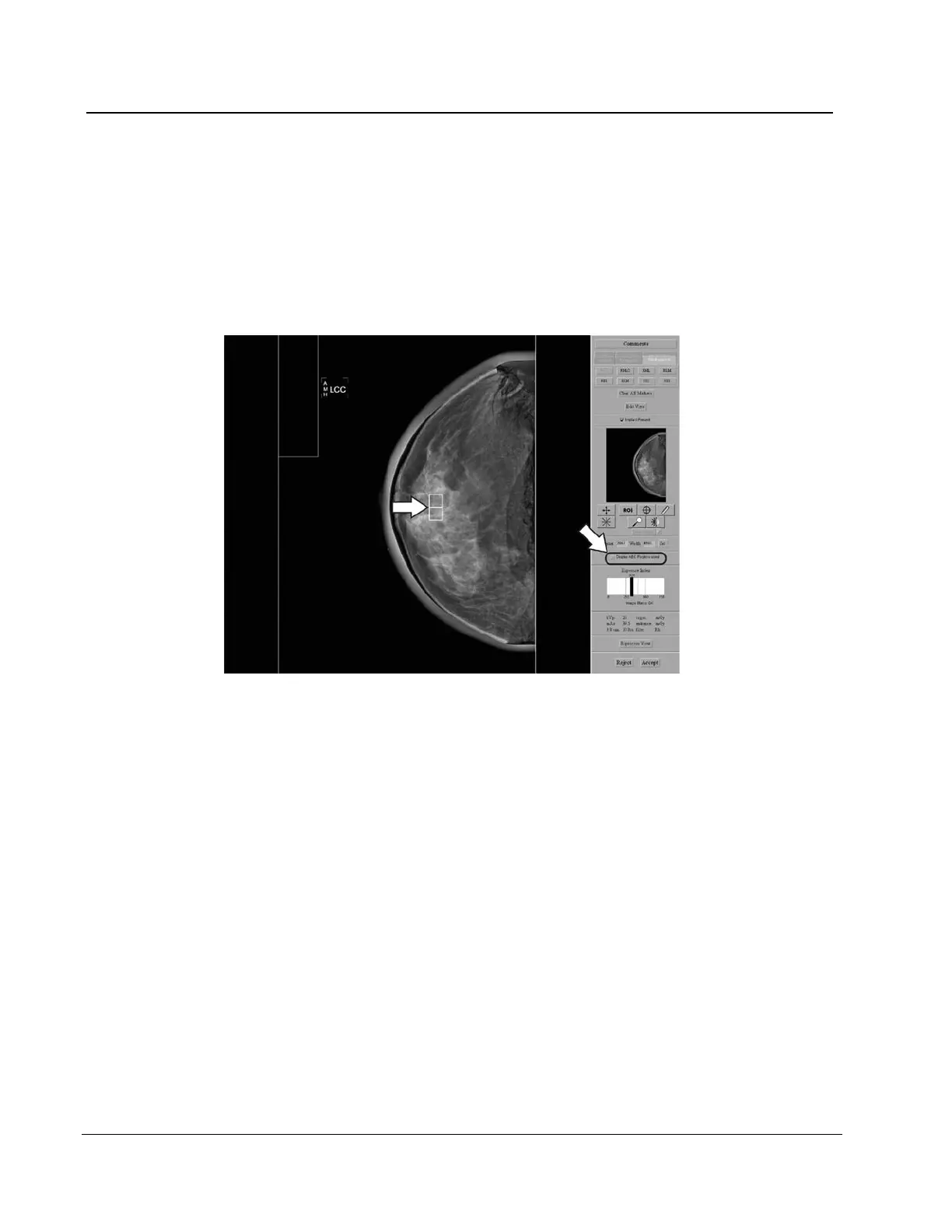
6.4.3.11 Display AEC Regions
To display the AEC area selected by the system, select the Display AEC Regions
checkbox.
• Manual sensors show on the image as a white rectangle with rounded corners.
• The two Auto Sensor areas show on the image as 1cm by 1cm white squares.
To hide the AEC areas, deselect the Display AEC Regions checkbox.
Figure 73: AEC Regions












 To Next Page