Selenia User Guide
Chapter 6—The User Interface
MAN-03270 Revision 003 107
Workflow Suggestions to Select a Patient and Acquire an Image
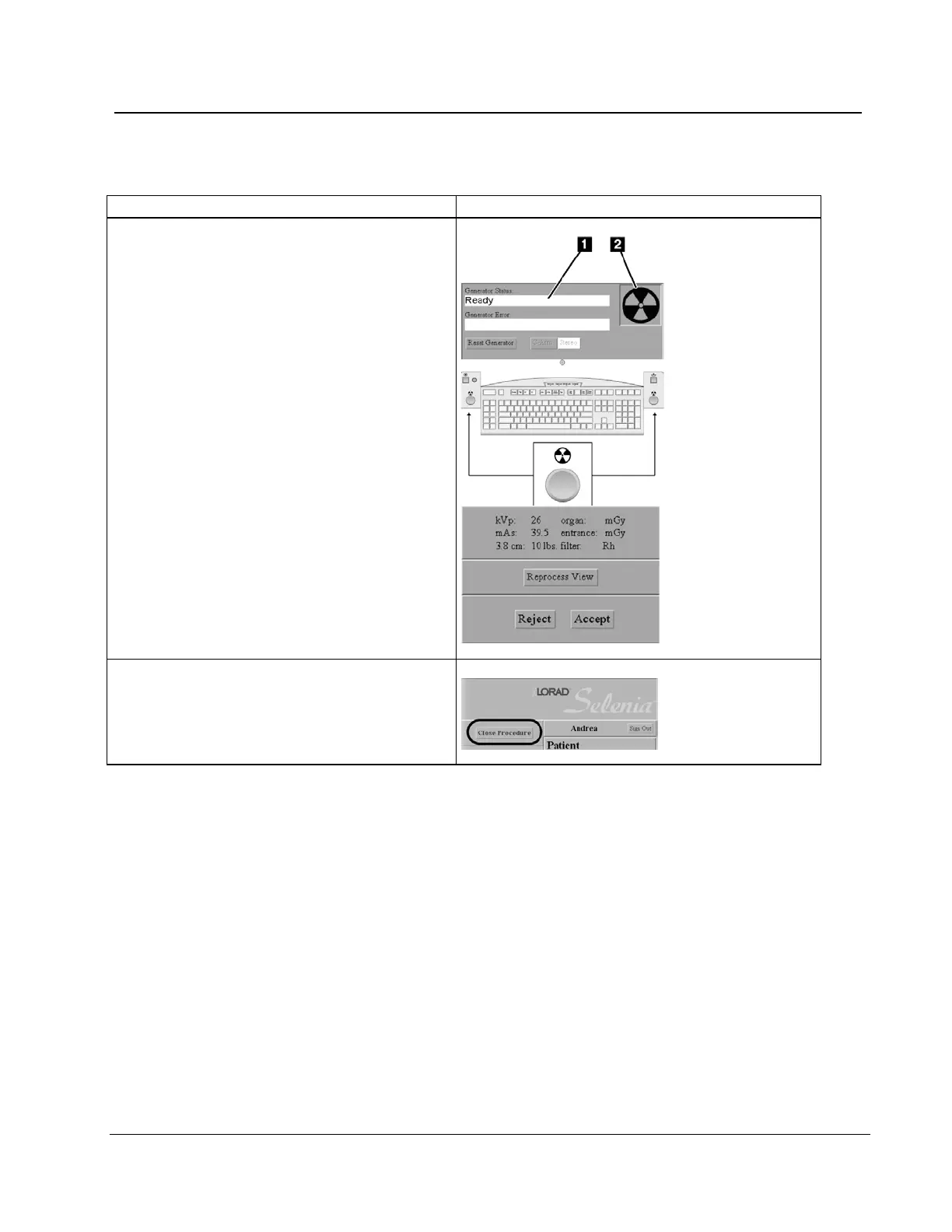
9. Acquire the image:
a. Make sure that the message area of the
screen displays
"Ready" (see item 1 in the
following figure) and there is no "X"
through the x-ray indicator (see item 2).
b. Press and hold the x-ray buttons.
c.
Inspect the image on the Preview Screen,
then select the Accept or Reject button.
10. Close the procedure:
a. Select the Close Procedure button.
b. Select the Yes button.












 To Next Page