Selenia User Guide
Chapter 6—The User Interface
106 MAN-03270 Revision 003
Workflow Suggestions to Select a Patient and Acquire an Image
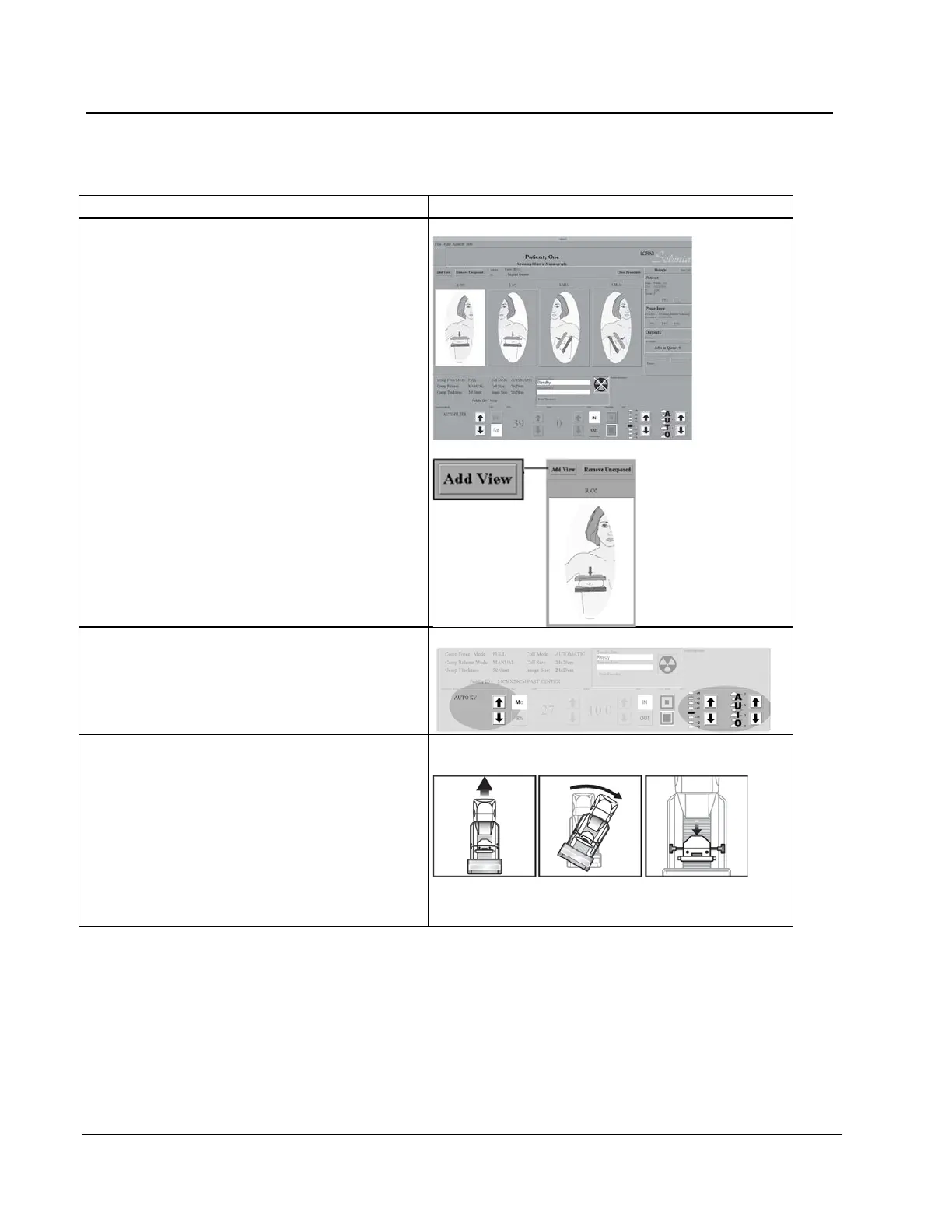
6. Select the view:
a. Click Add View in the Patient View
screen.
b. In the dialog box, select a view from the
list of Standard Mammography Views.
To add multiple views, press and hold
the Control key and select the views.
c. Select the OK button.
7. Select the Exposure Techniques.
8. Position the system and patient.
a. Adjust the vertical height of the Breast
Platform.
b. Set the C-arm angle.
c. Put the arm and hand of the patient in a
safe location.
d. Compress the breast.












 To Next Page