Selenia User Guide
Chapter 6—The User Interface
MAN-03270 Revision 003 83
6.2.12 Alarms
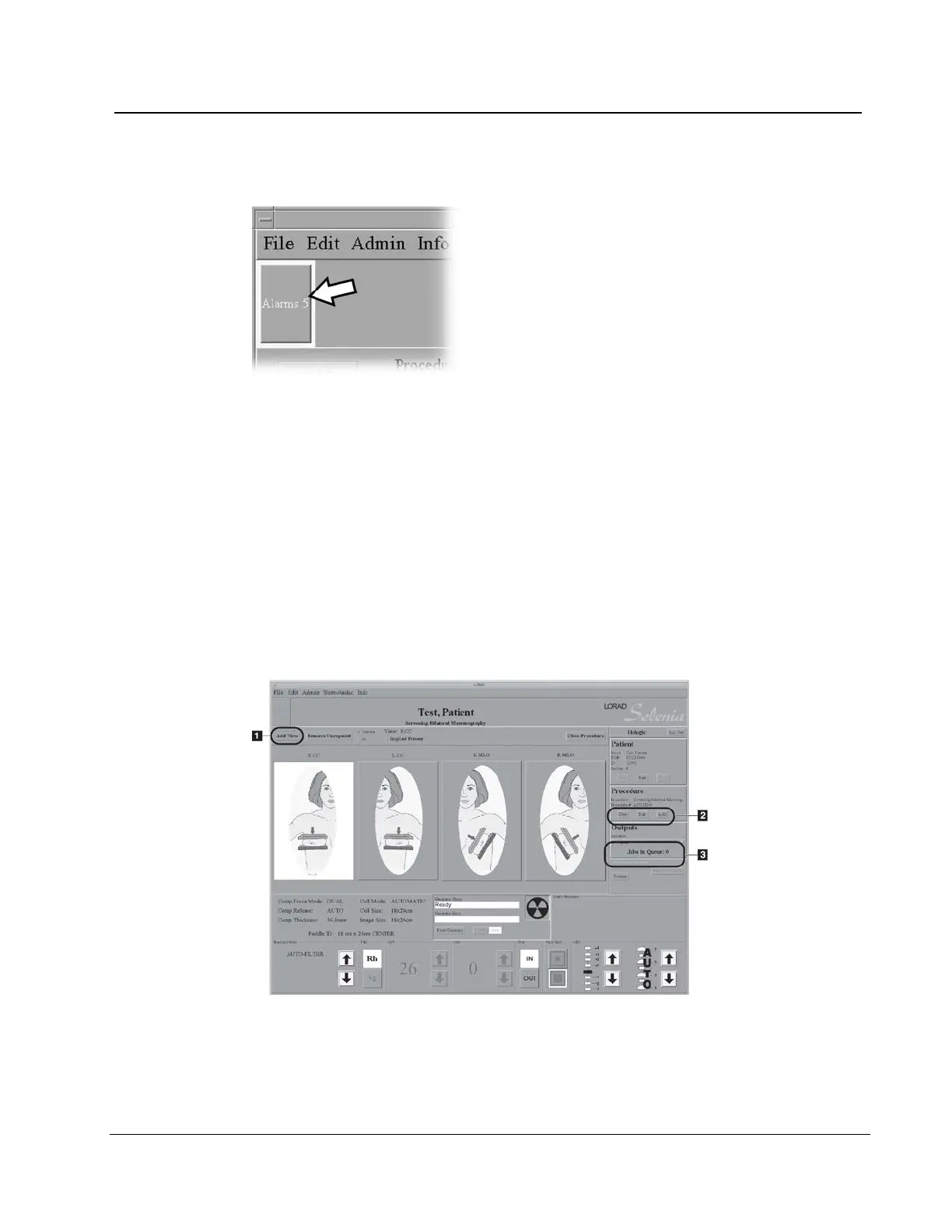
Figure 58: The Alarm Icon
Alarms are generally output problems that occur due to jobs that fail at the output device.
The Alarm Icon shows the number of alarms. Select the icon to view the details. Erase the
alarm to clear it.
6.3 Patient Views Screen
6.3.1 Patient Views
When you select a patient, the Views for the scheduled Procedure display on the Patient
View screen in your preset order. The program automatically highlights the first View in
the sequence. To choose a different View, select that View.
Figure 59: Patient View Screen












 To Next Page