Selenia User Guide
Chapter 6—The User Interface
82 MAN-03270 Revision 003
6.2.9 Special Modes Buttons
6.2.9.1 Non-imaging Mode Button
The Non-imaging mode is available to all users and allows the x-ray exposure without the
acquisition of images. This mode is not available when you have a patient selected. When
you select the Non-imaging mode, the Image Receptor deactivates.
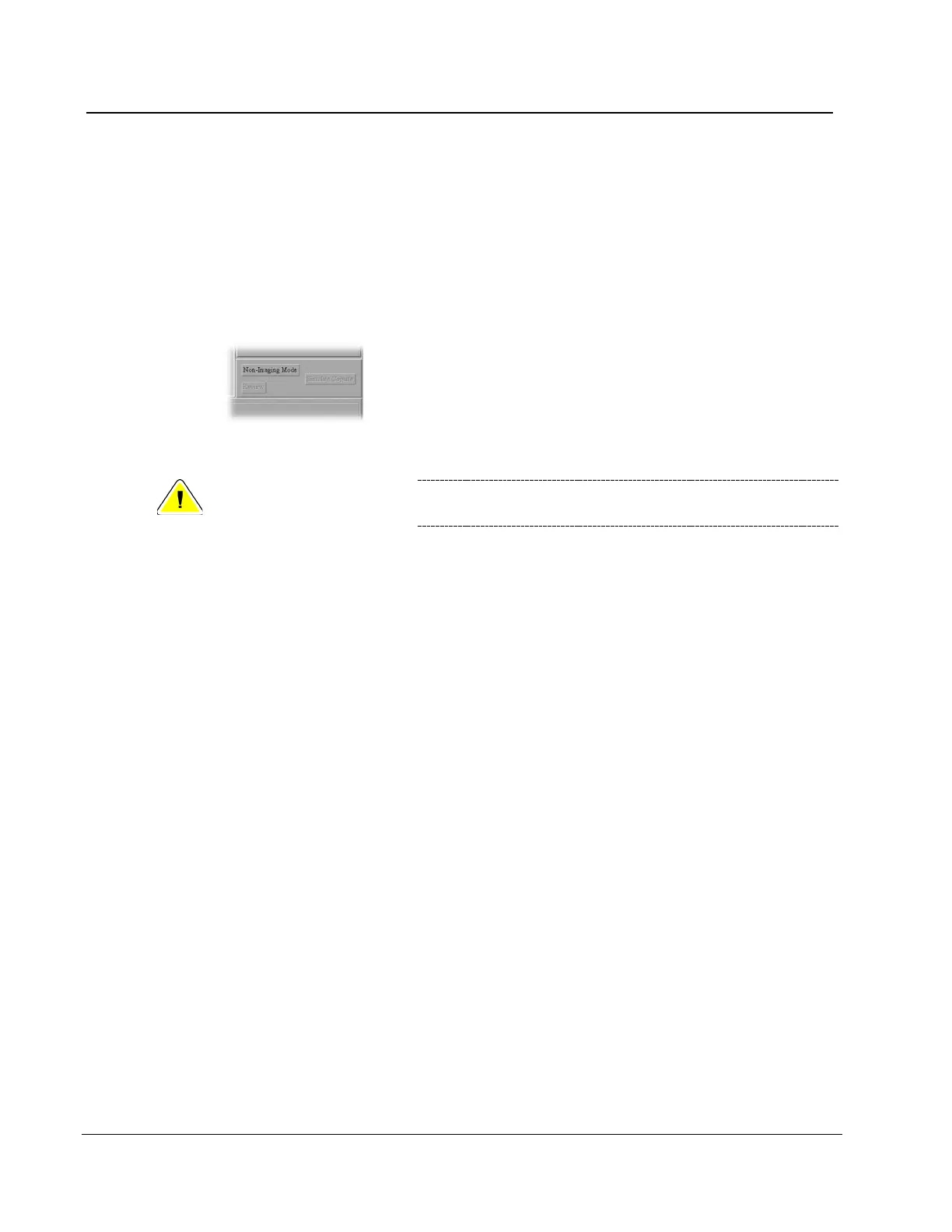
To access this mode, select the Non-Imaging Mode button.
Figure 57: Non-Imaging Mode Button
Caution:
Protect the Image Receptor from excessive radiation by
covering it with lead while using the Non-imaging mode.
To exit the Non-Imaging mode, select the End Non-Imaging Mode button.
6.2.9.2 The Review Button
This button is used during the Reject /Unreject process. See How to Accept a Rejected Image
on page 101.
6.2.9.3 The Simulate Capture Button
This function is for use by service personnel.
6.2.10 Generator Status
This area displays the current status of the system. See the figure The Select a Patient Screen
on page 54.
6.2.11 System Messages
The System Messages area displays the system status.












 To Next Page