Selenia User Guide
Chapter 6—The User Interface
86 MAN-03270 Revision 003
6.4 Preview Image Screen
6.4.1 Introduction
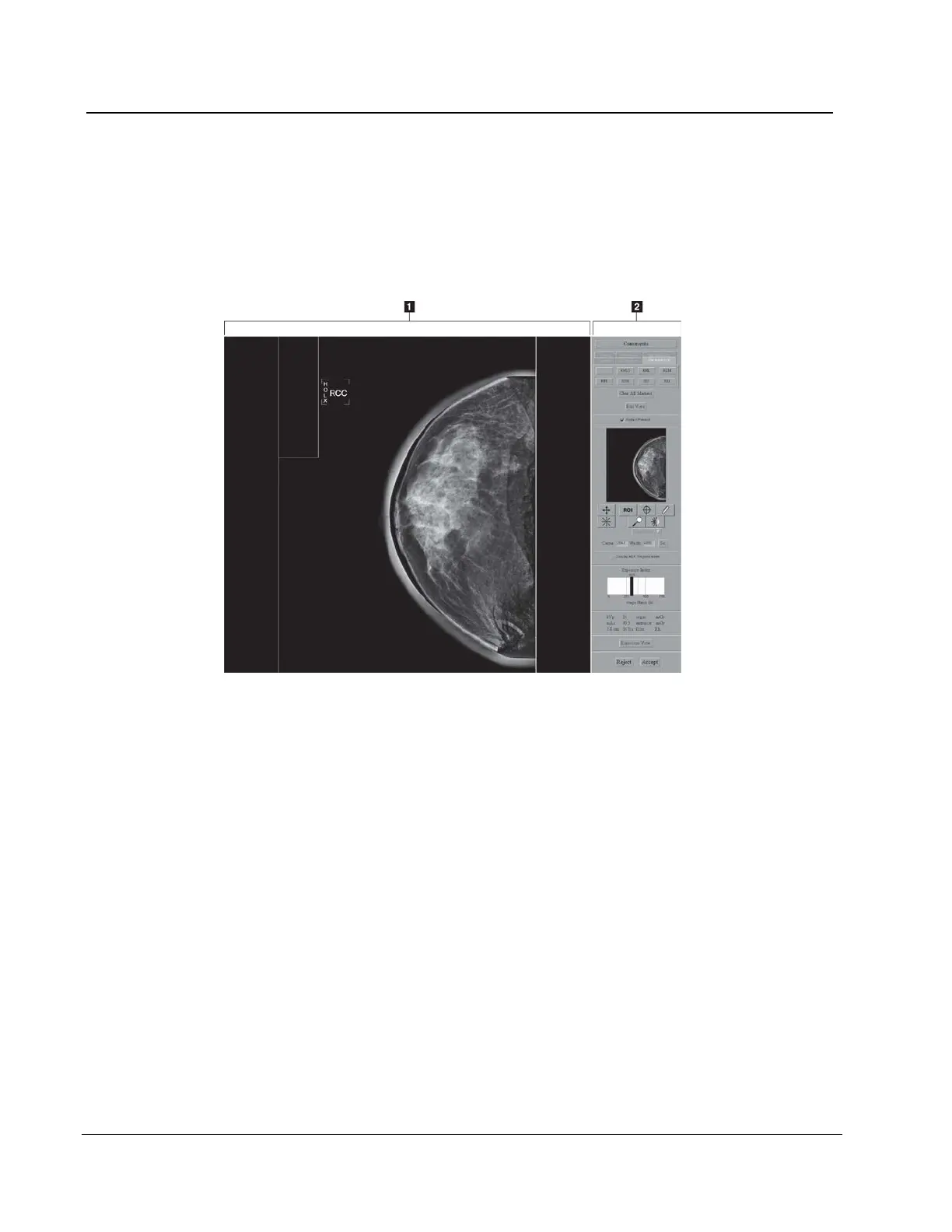
The Preview Image screen appears when you acquire an image. The right side of the
screen has image tools and buttons to Accept or Reject the image.
Figure 62: The Preview Image Screen
Figure Legend
1. Acquired Image Display Area
2. Tools
6.4.2 The Preview Image
The Preview Image is a non-diagnostic, processed image for anatomy and position
confirmation. The Patient Name, ID, and the View appear on a bar on the top of the
Preview.
6.4.2.1 Progressive Preview
The first preview image appears for a quick check of the breast position. This image
updates with an image of better quality to check for motion or image artifacts.












 To Next Page