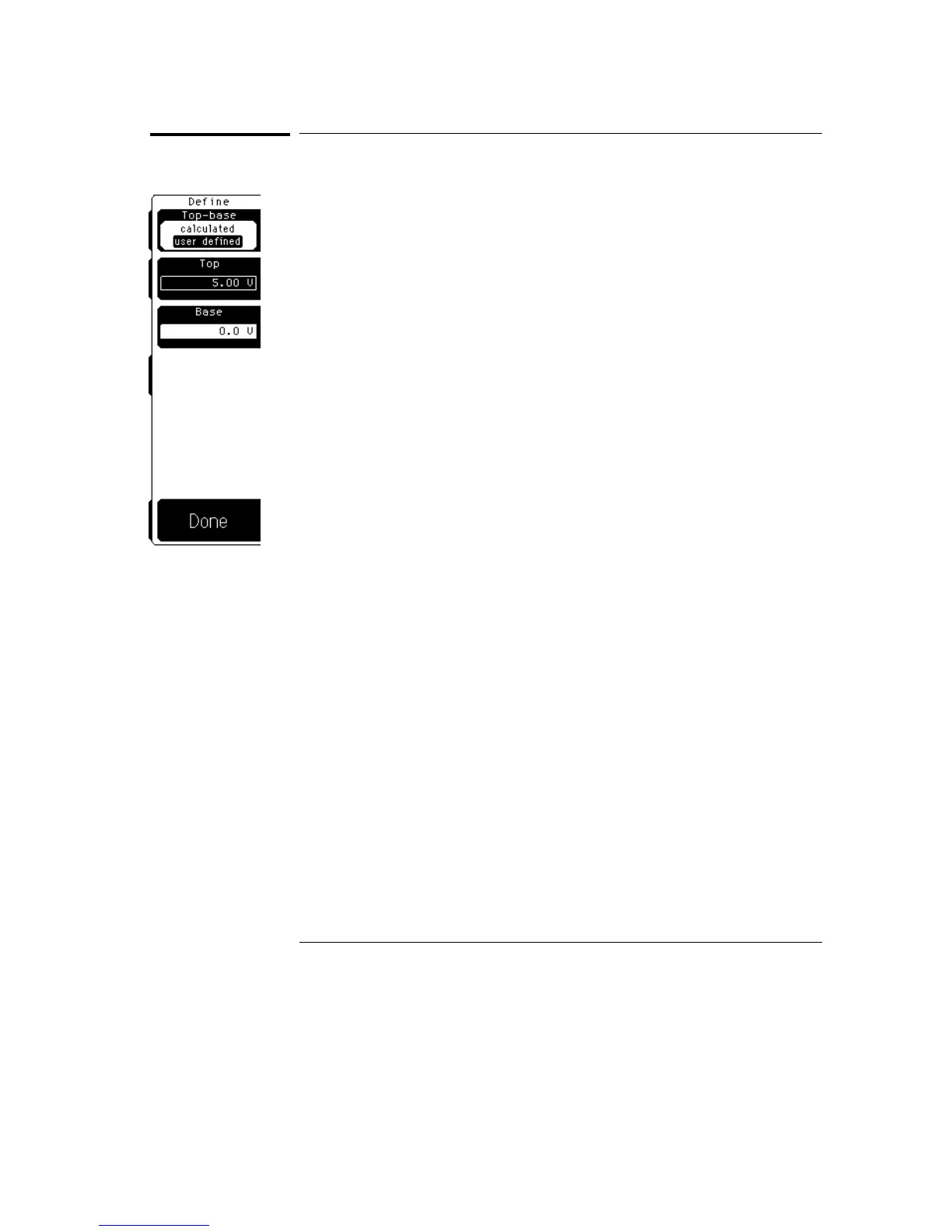
Top-Base
Top-base sets the vertical reference thresholds for amplitude measurements,
and the values that the upper, middle, and lower thresholds are calculated
from. The top and base softkeys are displayed when user defined is selected.
Standard
Standard has the oscilloscope calculate the top-base using the IEEE
standards and a voltage histogram of the waveform that is on the display.
The oscilloscope finds the most prevalent top and base voltage values.
Make sure that there is enough of the signal displayed on the screen so that
the oscilloscope can accurately determine the top and base values of the
waveform. However, if too much of the top and base of the waveform are on
the display, it may reduce the number of sample points on the edge of
interest which may reduce the repeatability of your measurements. A good
rule of thumb is to have two divisions of top and two divisions of base.
User Defined
User defined lets you set the top and base to a specific voltage value. The
upper, middle, and lower thresholds are then calculated from the voltage
values you select.
User defined simplifies the threshold detection algorithm. The result is that
the measurement throughput of the oscilloscope is increased, because the
oscilloscope does not have to calculate the top-base values.
Define Measure Menu
Top-Base
7–6



 To Next Page